AI voice generators have evolved tremendously, now offering human-like voices that are nearly indistinguishable from real speech. Whether you're creating podcasts, voiceovers, or developing interactive applications, these advanced tools provide an unparalleled combination of flexibility and realism. With cutting-edge technology, AI voice generators are more accessible and versatile than ever, making them essential for anyone looking to produce high-quality audio content without the need for professional voice actors.
In this article, we’ll dive into the 15 best AI voice generators that are leading the industry. These tools deliver stunningly real AI voices that sound natural and engaging, allowing you to elevate your content creation efforts. Whether you're a content creator, educator, or business professional, AI voice generators can help you save time and enhance your projects, making them a game-changer in the world of digital media.
Top 5 AI Voice Generator – Comparison
Here’s a quick summary of some of our favorite tools from this list:
➤ ElevenLabs – It offers a vast library of high-quality voices, advanced customization options, and a user-friendly interface, making it ideal for various content creation needs.
➤ Murf.ai – It combines high-quality, natural-sounding voices with an intuitive interface, making it perfect for both beginners and professionals in content creation.
➤ Play.ht – It provides high-quality, realistic AI voices with extensive multilingual support and a simple text-to-speech interface, making it perfect for creating professional voiceovers quickly and efficiently.
➤ Lovo – Its extensive library of natural-sounding voices, easy-to-use platform, and affordable pricing make it a top choice for creating high-quality audio content.
➤ Listnr.ai – It offers highly customizable and lifelike AI voices, making it an excellent choice for personalized audio content creation.
1) ElevenLabs – Free Text to Speech & AI Voice Generator
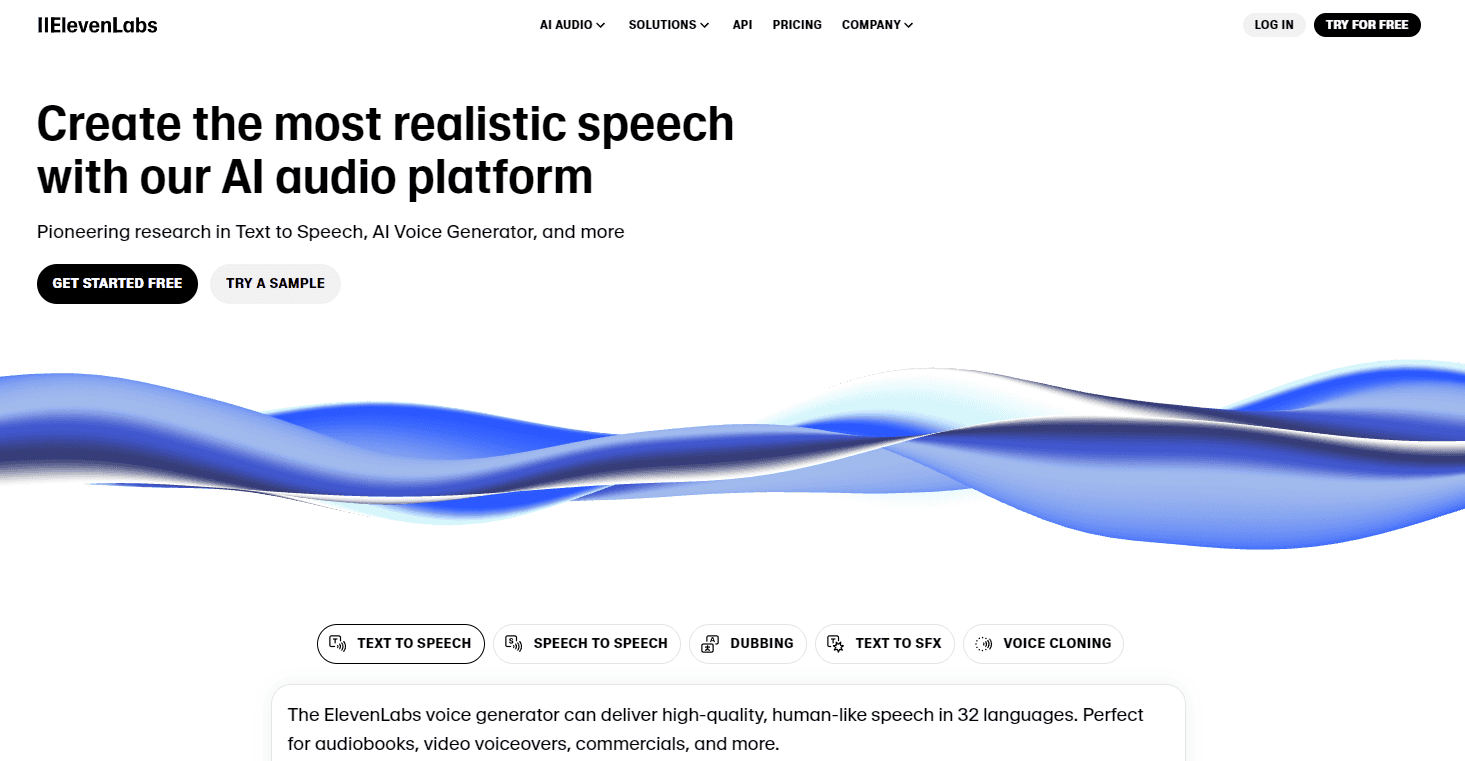
ElevenLabs is known for its exceptional ability to create hyper-realistic voiceovers. Its unique speech synthesis model can clone any voice with precision, capturing subtle nuances in tone, pitch, and emotion.
Key Features:
- Voice Cloning: Create lifelike versions of any voice.
- Multilingual Support: Generate voices in multiple languages.
- Emotion Control: Adjust the emotional tone of voices.
Professional Voice Cloning Demo | ElevenLabs
ElevenLabs: The Good and The Bad
Pros
- Exceptional voice quality
- customizable voices
- multilingual support
Cons
- Higher pricing for premium features
Why ElevenLabs Shines?
ElevenLabs Shines due to its high-quality, realistic voices, vast language support, and advanced AI capabilities. Its user-friendly interface and customization options make it a versatile tool for various applications. Whether you need a natural-sounding narrator for your audiobook or a creative voice for your project, ElevenLabs delivers exceptional results
Pricing
Here’s a quick overview of ElevenLabs’ pricing:
- Free Plan: $0/month, 10k credits, 10 minutes of text-to-speech.
- Starter Plan: $5/month, 30k credits, 30 minutes of text-to-speech.
- Creator Plan: $22/month, 100k credits, 100 minutes of text-to-speech.
- Pro Plan: $99/month, 500k credits, 500 minutes of text-to-speech.
- Scale Plan: $330/month, 2M credits, 2,000 minutes of text-to-speech.
- Business Plan: $1,320/month, 11M credits, 11,000 minutes of text-to-speech.
- Enterprise Plan: Custom pricing, tailored features.
Some User Testimonials of ElevenLabs:
Testimonial #1
Rating: ⭐⭐⭐⭐⭐
“Great voice quality and natural sound!
Jane Doe: I've used ElevenLabs for several projects, and the voice outputs are impressive. Highly recommend for any text-to-speech needs.”
Testimonial #2
Rating: ⭐⭐⭐⭐⭐
“Versatile but pricey.” –Batis Smith: “ElevenLabs offers a lot of features and languages, but the pricing plans can be a bit steep for smaller projects.”
Testimonial #3
Rating: ⭐⭐⭐⭐⭐
“Needs improvement in non-English accents.” –Alex Johnson: “While the platform works well for English, it struggles with other languages and accents. Pronunciation can be off at times.”
Best For:
Podcasters, audiobook creators, and voiceover artists looking for precision in voice cloning and emotional delivery.
2) Murf.ai – Text to Speech Software and AI Voice Over

Murf.ai offers a versatile AI voice generator that is perfect for corporate presentations, ads, and explainer videos. It provides over 120 voices in multiple languages.
Key Features:
- Custom Voiceover Projects: Customize pitch, speed, and tone.
- Collaboration Tools: Ideal for teams working on voiceover projects.
- Easy Integration: Compatible with popular video and audio editing software.
Murf.ai: The Good and The Bad
Pros
- User-friendly interface
- extensive voice library
- integration with video editing tools
Cons
- Limited free version
Why Murf.ai Shines?
Murf.ai shines for its ease of use. With a simple interface and the ability to write directly within the platform, creating high-quality voiceovers becomes a breeze. It boasts a massive library of realistic voices in over 20 languages, allowing you to find the perfect tone and style for your project. Plus, Murf offers customization features that empower you to fine-tune the AI's delivery and truly make your voiceover shine.
Pricing
Here’s a quick overview of Murf.ai’s pricing plans:
- Free Plan: $0/month, 10 minutes of voice generation, 2 projects.
- Basic Plan: $19/month, 2 hours of voice generation per year.
- Pro Plan: $26/month, additional features and higher usage limits.
- Enterprise Plan: $75/month, tailored for high-usage business needs.
Some User Testimonials of Murf.ai:
Testimonial #1
Rating: ⭐⭐⭐⭐⭐
“Excellent voice quality!” – Sarah Lee: “I've used Murf.ai for my YouTube channel, and the voiceovers are incredibly realistic. Highly recommend for content creators!”
Testimonial #2
Rating: ⭐⭐⭐⭐⭐
“User-friendly but pricey.” – Mark Brown: “Murf.ai is easy to use and offers great features, but the pricing can be a bit high for small projects.”
Testimonial #3
Rating: ⭐⭐⭐⭐⭐
“Needs more customization options.” – Emily Clark: “The platform is great, but I wish there were more options to customize the voices. It would make it even better.”
Best For:
Businesses, marketers, and educators who need high-quality voiceovers for professional content.
3) Play.ht – The Classic AI Voice Generator
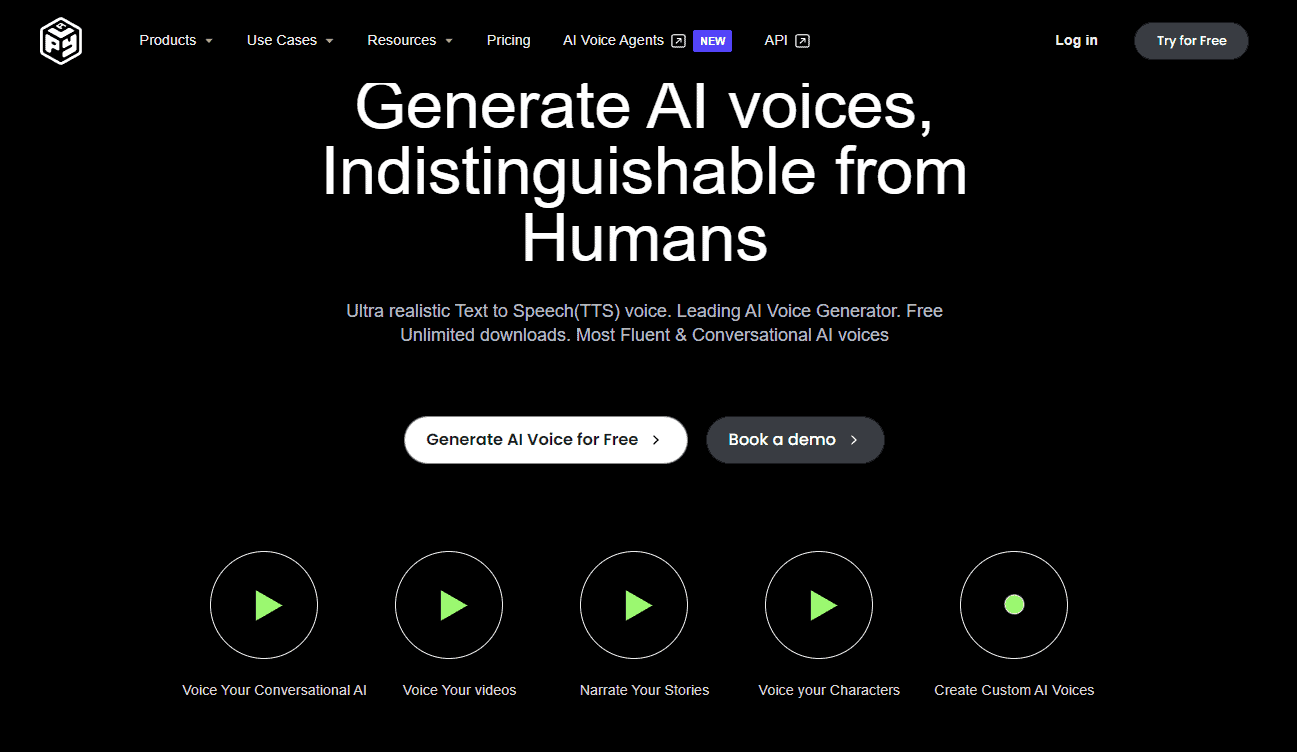
Play.ht delivers natural-sounding voices with a focus on accessibility and content creation. It has an extensive library of AI voices that supports over 60 languages.
Key Features:
- Text-to-Speech API: Developers can integrate AI voices into their apps.
- Embeddable Audio Player: Embed voice content directly into websites.
- Voice Styles: Adjust style to match various contexts like casual, professional, or formal.
Play.ht: The Good and The Bad
Pros
- High-quality voices
- easy-to-use platform
- supports multiple languages
Cons
- Subscription-based pricing
Why Play.ht Shines?
Play.ht shines for content creators seeking ultimate flexibility. It boasts a massive library of lifelike voices across languages and accents, along with powerful voice cloning capabilities. Plus, features like unlimited regeneration and relaxed content restrictions empower you to experiment and create truly unique audio experiences.
Pricing
Here’s a quick overview of Play.ht’s pricing plans:
- Free Plan: $0/month, 12,500 characters, 1 instant voice clone.
- Personal Plan: $14.25/month, more characters and features.
- Professional Plan: $29.25/month, 3 million characters per year, 10 voice clones.
- Growth Plan: $74.25/month, unlimited characters, unlimited voice clones.
- Business Plan: $149.25/month, advanced features for businesses.
- Enterprise Plan: Custom pricing, tailored to specific needs.
Some User Testimonials of Play.ht:
Testimonial #1
Rating: ⭐⭐⭐⭐⭐
“High-quality voices and easy to use!” –
Victoriano Izquierdo: “Play.ht offers amazing voice quality and is very user-friendly. I love how natural the conversations sound.”
Testimonial #2
Rating: ⭐⭐⭐⭐⭐
“Great for customer service applications.” –
David Lieb: “This platform is perfect for creating human-like customer service voices. It's both fun and incredibly useful.”
Testimonial #3
Rating: ⭐⭐⭐⭐⭐
“Needs more language options.” – Thack: “The voices are impressive, but I wish there were more language options available. It would make it even more versatile.”
Best For:
Content creators, developers, and businesses looking for multilingual voice solutions.
4) Lovo – AI Video Generator With PERFECT Text To Speech
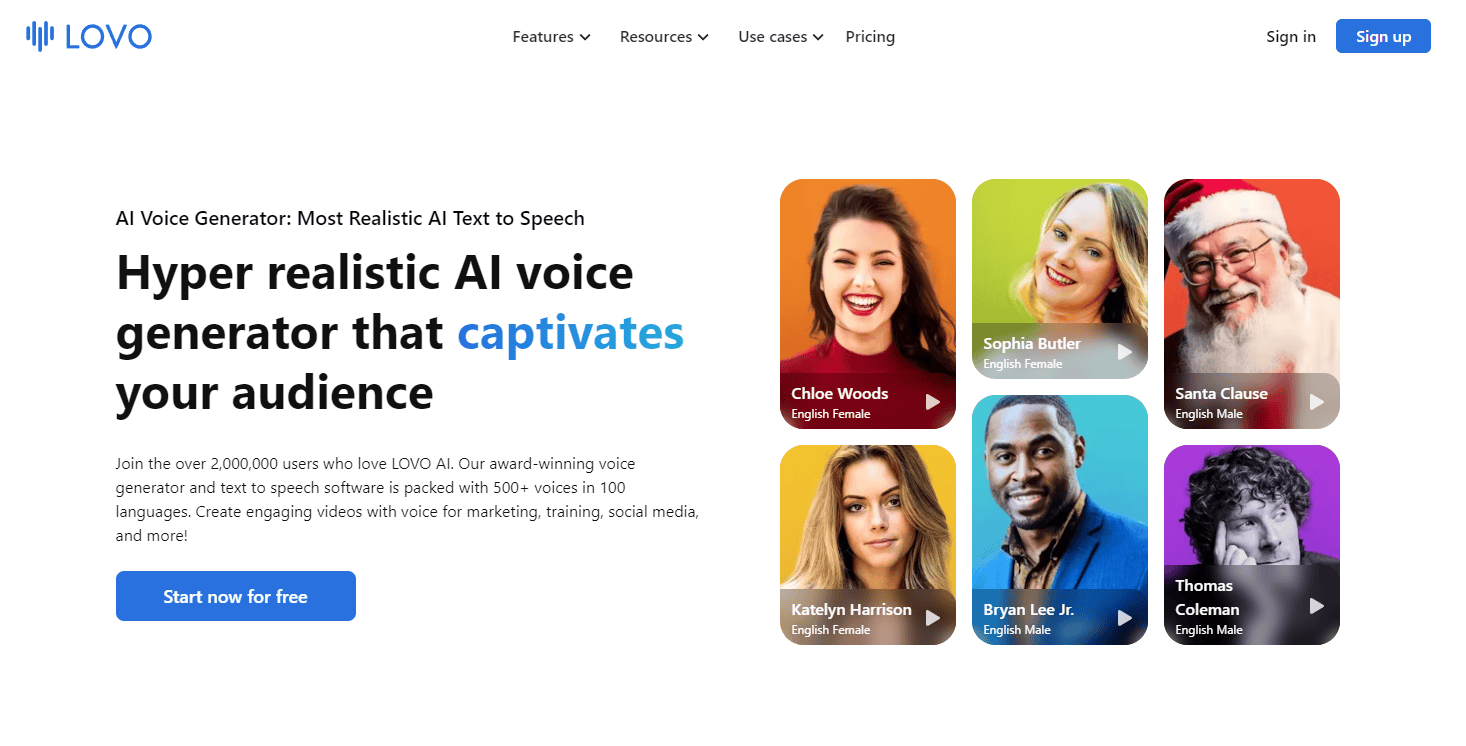
Lovo offers realistic AI voices with customizable emotion settings. It’s popular for creating marketing content, YouTube videos, and e-learning materials.
Key Features:
- Voice Customization: Control emotions and tone in voiceovers.
- Text-to-Speech for Video: Sync AI voices with video content easily.
- Large Voice Library: Over 180 AI voices in multiple languages.
Lovo: The Good and The Bad
Pros
- Realistic voices
- fast processing
- affordable pricing
Cons
- Limited voice customization
Why Lovo Shines?
Lovo shines for its ease of use and versatility. With a simple interface and a wide range of realistic voices, it empowers users to quickly create high-quality voiceovers. Plus, Lovo's integration with popular platforms like YouTube and TikTok makes it a seamless tool for content creators.
Pricing
Here’s a quick overview of Lovo’s pricing plans:
- Free Plan: 20 minutes of voice generation, 1GB storage.
- Basic Plan: $24/month, 2 hours of voice generation, 30GB storage.
- Pro Plan: $24/month (first year 50% off), 5 hours of voice generation, 100GB storage.
- Pro+ Plan: $75/month (first year 50% off), 20 hours of voice generation, 400GB storage.
- Enterprise Plan: Custom pricing, tailored features.
Some User Testimonials of Lovo:
Testimonial #1
Rating: ⭐⭐⭐⭐⭐
“Great voice quality and variety!” – Emma Thompson: “Lovo offers a wide range of voices and languages, making it perfect for my multilingual projects.”
Testimonial #2
Rating: ⭐⭐⭐⭐⭐
“User-friendly but pricey.” – Michael Johnson: “The platform is easy to use and the voices are impressive, but the pricing can be a bit high for smaller projects.”
Testimonial #3
Rating: ⭐⭐⭐⭐⭐
“Needs more customization options.” – Sophia Lee: “Lovo is great, but I wish there were more options to customize the voices. It would make it even better.”
Best For:
YouTubers, marketers, and educators needing customizable voices for multimedia projects.
5) Listnr.ai – Create Realistic AI Voiceovers in Seconds
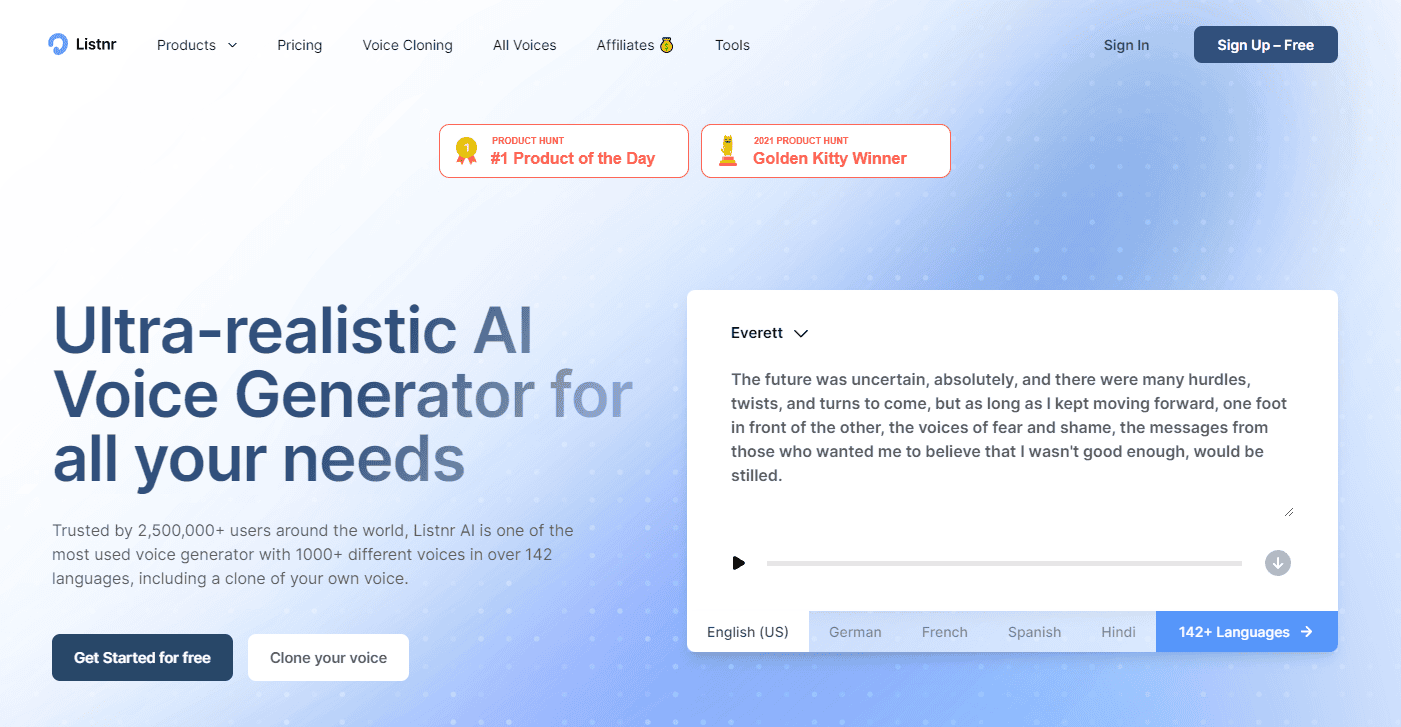
Listnr.ai stands out with its ability to turn blog posts and written content into high-quality audio. It’s excellent for podcasters and content creators who want to repurpose their text-based content.
Key Features:
- Podcasting Tools: Convert blog articles into podcast episodes.
- Multiple Languages: Supports 75+ languages and dialects.
- Audio Embedding: Add audio directly to websites with embeddable widgets.
Listnr.ai: The Good and The Bad
Pros
- Wide range of voices
- simple interface
- good customer support
Cons
- Limited advanced features
Why Listnr.ai Shines?
Listnr.ai shines for its focus on natural-sounding voices. Their AI engine delivers realistic speech across a whopping 1000+ voices and 142 languages. You can even clone your own voice, making it perfect for personalized projects. Whether you need studio-quality voiceovers or realistic audio for any content, Listnr.ai prioritizes authenticity.
Pricing
Here’s a quick overview of Listnr.ai’s pricing plans:
- Free Plan: 1,000 words per month.
- Student Plan: $9/month, 4,000 words per month.
- Individual Plan: $19/month, 20,000 words per month.
- Solo Plan: $39/month, 50,000 words per month.
- Agency Plan: $99/month, 500,000 words per month.
Some User Testimonials of Listnr.ai:
Testimonial #1
Rating: ⭐⭐⭐⭐⭐
“High-quality voices and easy to use!” –
Victoriano Izquierdo: “Listnr.ai offers amazing voice quality and is very user-friendly. I love how natural the conversations sound.”
Testimonial #2
Rating: ⭐⭐⭐⭐⭐
“Great for customer service applications.” –
David Lieb: “This platform is perfect for creating human-like customer service voices. It's both fun and incredibly useful.”
Testimonial #3
Rating: ⭐⭐⭐⭐⭐
“Needs more language options.” – Thack: “The voices are impressive, but I wish there were more language options available. It would make it even more versatile.”
Best For:
Podcasters and bloggers aiming to create audio versions of their content quickly.
6) FineVoice – Personalized AI Voiceover & Dubbing
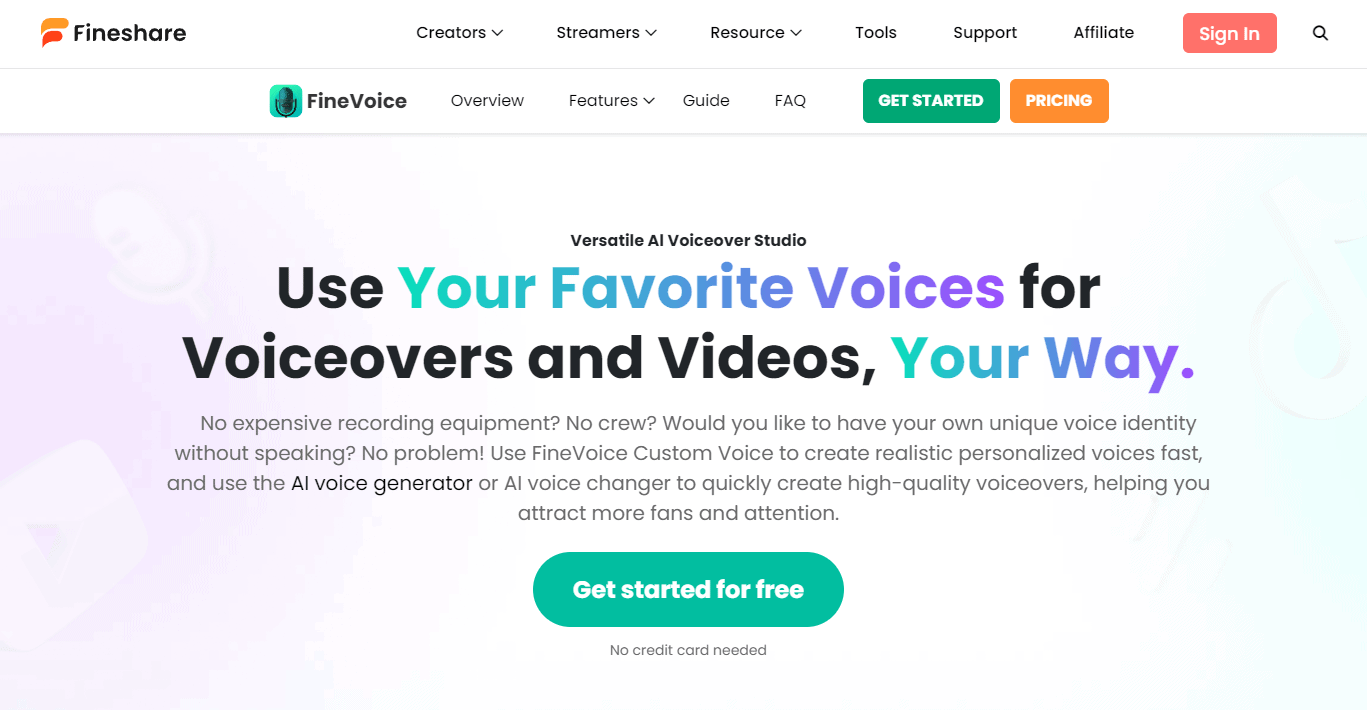
FineVoice is a versatile AI voiceover studio that provides intuitive AI voice generation for various creations like videos, podcasts, and online tutorials. It allows you to easily convert text into human-like speeches, alter voices in existing audio files, and even create unique clones of your own voice.
Key Features:
- Vash Voice Library: A total of 2000+ AI voices available, including commercial voices and community voices.
- Voice Modulation: Adjust details like speed, pitch, and emotions to create perfect voiceover you need.
- Multi-language Support: More than 140 languages and accents are supported.
- Voice Cloning: Clone voices from your mic, an audio file, or even a YouTube video quickly and effortlessly.
FineVoice: The Good and The Bad
Pros
- Natural-sounding voices
- easy integration
- affordable pricing
Cons
- Limited voice options
Why FineVoice Shines?
FineVoice shines for its exceptional quality and versatility. With a vast library of realistic voices in multiple languages and accents, it empowers users to create high-quality voiceovers for various applications. FineVoice's advanced AI technology ensures natural-sounding speech, making it a top choice for content creators seeking professional results.
Pricing
Here’s a quick overview of FineVoice’s pricing plans:
- Basic Plan: $5.99/month, 100,000 TTS characters, 24 hours of AI voice change.
- Pro Plan: $11.99/month, 300,000 TTS characters, unlimited AI voice change.
- Enterprise Plan: $31.99/month, 1,000,000 TTS characters, unlimited AI voice change.
Some User Testimonials of FineVoice:
Testimonial #1
Rating: ⭐⭐⭐⭐⭐
“Excellent voice cloning!” –
Rob Gonzales: “As a content creator, FineVoice's voice cloning function is a game-changer. The cloned voices are almost indistinguishable from the original, making my videos more engaging.”
Testimonial #2
Rating: ⭐⭐⭐⭐⭐
“Smooth and efficient process.” – Mike Keller: “The whole process is very smooth, from voice cloning to final output. It's efficient and easy to use.”
Testimonial #3
Rating: ⭐⭐⭐⭐⭐
“Great features but needs better support.” – Anonymous User: “FineVoice offers a lot of great features and customization options, but the support could be improved. It's a bit challenging to get help when needed.”
Best For:
Educators, YouTubers, and podcasters looking for detailed voice customization.
7) BigSpeak – Text to speech

BigSpeak AI is designed for large-scale voice cloning and professional applications. It provides high-fidelity voice generation for various industries, including entertainment and advertising.
Key Features:
- High-Quality Voice Cloning: Realistic voice replication for media and business.
- Advanced Audio Editing: Fine-tune and manipulate voice properties.
- Scalable Solutions: Ideal for large enterprises and production studios.
BigSpeak: The Good and The Bad
Pros
- High-quality voices
- customizable options
- supports multiple languages
Cons
- Higher cost for premium features
Why BigSpeak Shines?
BigSpeak shines for its user-friendly interface and vast library of realistic voices. It empowers users to easily create high-quality voiceovers for various applications. With features like customization options and integration with popular platforms, BigSpeak offers a convenient and efficient solution for content creators.
Pricing
Here’s a quick overview of BigSpeak’s pricing plans:
- Free Plan: $0/month, 8,000 characters for text-to-speech, 10 hours of AI audio transcription.
- Premium Plan: $49/month, 100,000 characters for text-to-speech, 60 hours of AI audio transcription, access to SuperClear Voices.
Some User Testimonials of BigSpeak:
Testimonial #1
Rating: ⭐⭐⭐⭐⭐
“High-quality audio output!” – Patrick Jones: “I used BigSpeak for a birthday event, and the magician speaker was a hit! The jokes and delivery were spot on, making the event memorable.”
Testimonial #2
Rating: ⭐⭐⭐⭐⭐
“Great for business presentations.” – Bruce Smith: “We used BigSpeak for our company's customer loyalty event, and the impact was fantastic. The speaker really engaged our audience.”
Testimonial #3
Rating: ⭐⭐⭐⭐⭐
“Versatile but requires some technical know-how.” –
Precious Abacan: “BigSpeak offers realistic voice cloning and text-to-video conversion, but it can be a bit challenging to use without some technical expertise.”
Best For:
Large businesses and production studios needing scalable, high-quality voice solutions.
8) Resemble.ai – AI Voice Generator & Realistic Voice Cloning
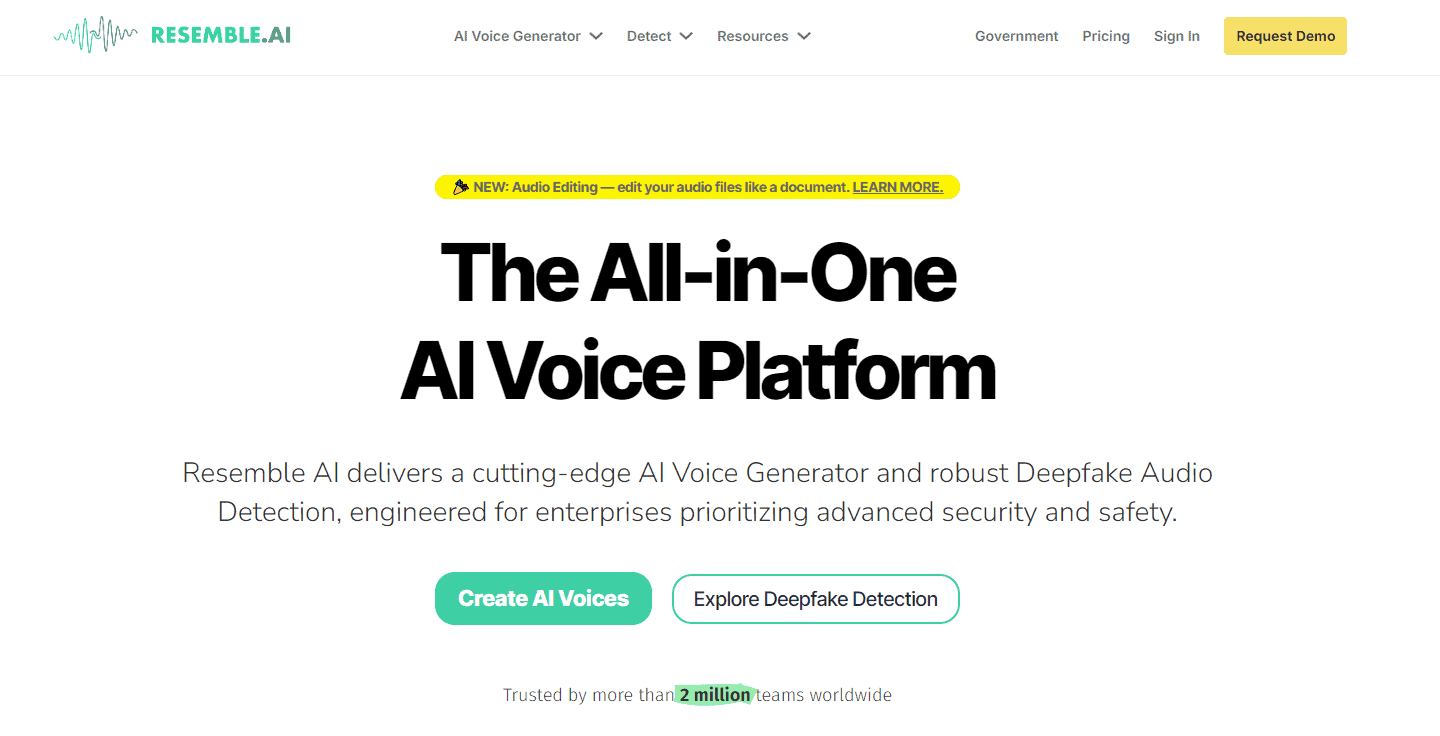
Resemble.ai offers powerful AI tools to create custom voices that sound incredibly realistic. It’s often used in video games, interactive apps, and voice assistants.
Key Features:
- Real-time Voice Cloning: Clone voices on the fly for live applications.
- Voice Customization: Add emotions and adjust tones in real-time.
- API Integration: Seamlessly integrates with apps, games, and devices.
Resemble.ai: The Good and The Bad
Pros
- Realistic voice cloning
- API access
- multilingual support
Cons
- Expensive for small businesses
Why Resemble.ai Shines?
Resemble.ai shines for its cutting-edge AI that delivers incredibly realistic voice cloning. Generate high-fidelity replicas of your own voice or another speaker with just a short audio sample. This opens doors for personalized experiences, from creating captivating audiobooks to crafting engaging video game characters. Beyond cloning, Resemble also offers advanced text-to-speech with lifelike voices, making it a versatile tool for crafting any voice-based content.
Pricing
Here’s a quick overview of Resemble.ai’s pricing plans:
- Free Plan: Essential features at no cost.
- Creator Plan: $30/month, custom AI voice building.
- Professional Plan: $60/month, comprehensive features, priority support, multi-language capabilities.
- Business Plan: $499/month, full API access, large-scale integrations.
- Enterprise Plan: Custom pricing, tailored solutions, premium support.
Some User Testimonials of Resemble.ai:
Testimonial #1
Rating: ⭐⭐⭐⭐⭐
“Impressive voice cloning capabilities!” – Shawn Corey: “Resemble.ai offers fast and realistic voice cloning. The deepfake detection feature is a great addition for security-conscious users.”
Testimonial #2
Rating: ⭐⭐⭐⭐⭐
“Supports many languages but pricey.” – Brainwave Tribe: “The platform supports over 149 languages, which is fantastic. However, the pricing can be a bit high for smaller projects or individual users.”
Testimonial #3
Rating: ⭐⭐⭐⭐⭐
“User-friendly but has a learning curve.” – Anonymous User: “Resemble.ai is easy to use once you get the hang of it, but there is a bit of a learning curve. Great for professionals but might be overwhelming for casual users.”
Best For:
Developers and creators working on interactive applications, games, or virtual assistants.
9) DupDub – Social Media Content Creation Software
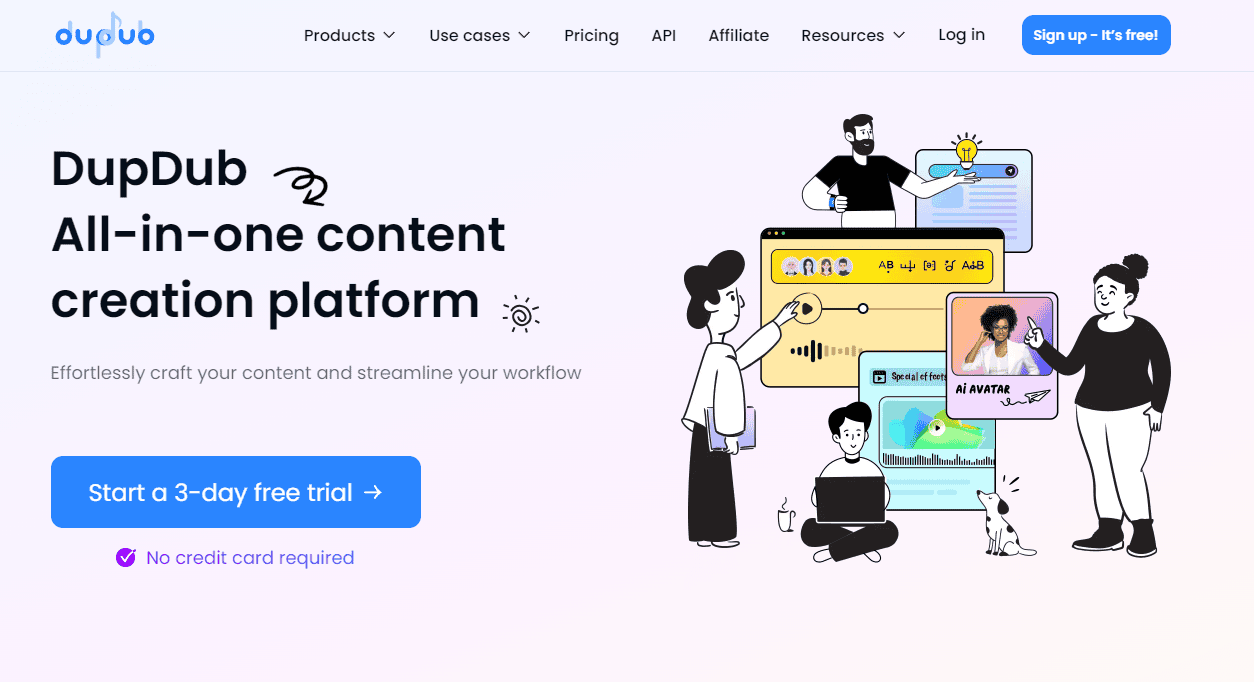
DupDub excels in producing engaging, real-sounding voiceovers for educational videos, corporate content, and audiobooks. Its realistic voices make long-form audio engaging and easy to listen to.
Key Features:
- Batch Processing: Create multiple voiceovers simultaneously.
- AI-Enhanced Voices: Detailed speech synthesis with emphasis on tone and clarity.
- Custom Voices: Create unique voice profiles for specific projects.
DupDub: The Good and The Bad
Pros
- High-quality voices
- fast processing
- multilingual support
Cons
- Limited customization
Why DupDub Shines?
DupDub shines for its ease of use and versatility. With a simple interface, users can quickly create high-quality voiceovers in various languages and accents. Plus, DupDub's integration with popular platforms makes it a convenient tool for content creators.
Pricing
Here’s a quick overview of DupDub’s pricing plans:
- Free Plan: 3-day trial, 10 credits.
- Personal Plan: $15/month, suitable for casual use.
- Professional Plan: $40/month, more credits and features.
- Ultimate Plan: $150/month, extensive features for heavy users.
- Pay-as-you-go Packages: One-time credit purchases for flexible usage.
Some User Testimonials of DupDub:
Testimonial #1
Rating: ⭐⭐⭐⭐⭐
“Highly realistic voiceovers!” – Jane Doe: “DupDub's AI voices are incredibly realistic and perfect for my video projects. The quality is top-notch!”
Testimonial #2
Rating: ⭐⭐⭐⭐⭐
“Great features but a bit pricey.” – John Smith: “DupDub offers a lot of great features, but the pricing can be a bit high for smaller projects.”
Testimonial #3
Rating: ⭐⭐⭐⭐⭐
“Needs more language support.” – Alex Johnson: “The voices are impressive, but I wish there were more language options available. It would make it even more versatile.”
Best For:
E-learning creators, audiobook producers, and corporate trainers.
10) Voicetrans – Realistic Real-time AI Voice Changer
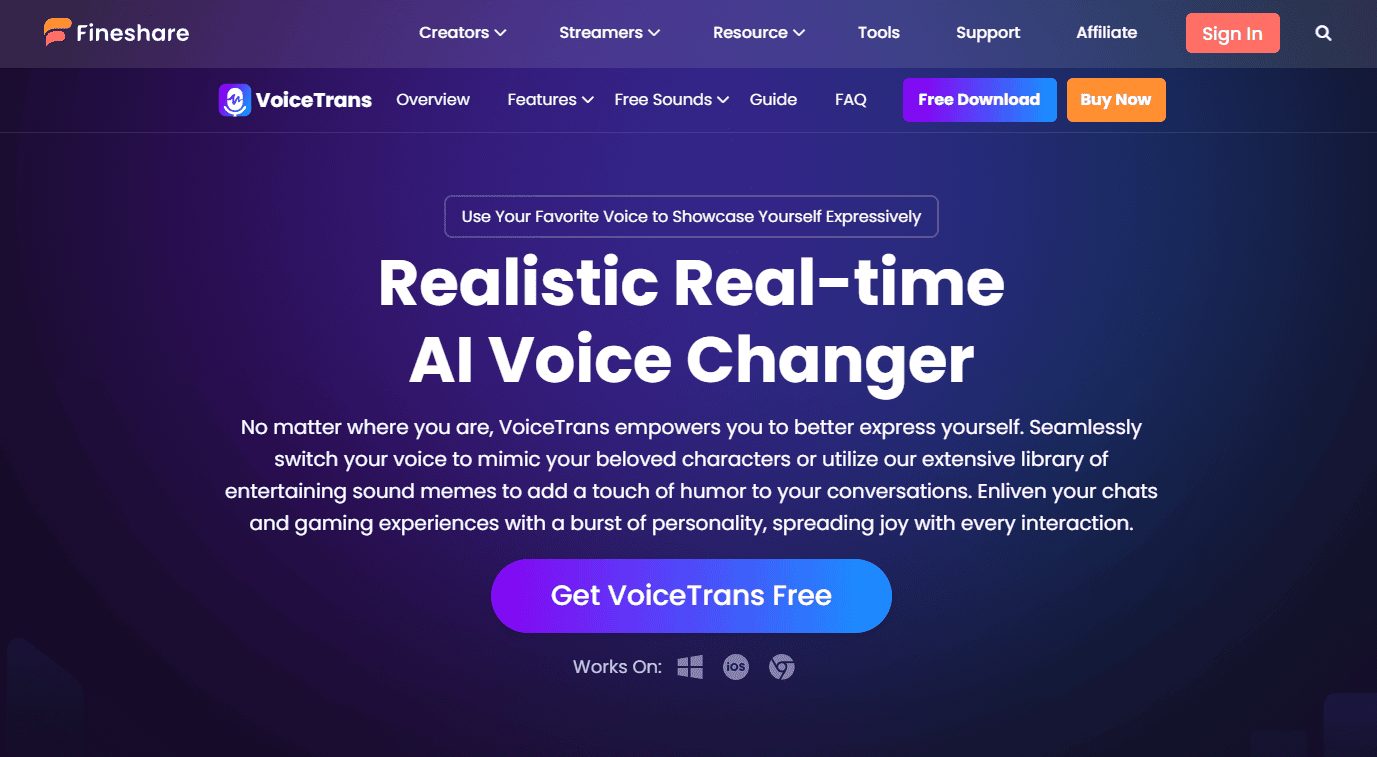
Voicetrans is a flexible AI voice generator ideal for media production, including video dubbing and content localization. Its natural voice quality and smooth transitions make it suitable for professional-grade voiceovers.
Key Features:
- Voice Dubbing: Sync voiceovers with video content seamlessly.
- Localization Tools: Tailor voices to different regional accents.
- Fast Turnaround: Generate high-quality voices quickly for fast-paced projects.
Voicetrans: The Good and The Bad
Pros
- Realistic voices
- user-friendly interface
- good customer support
Cons
- Limited advanced features
Why Voicetrans Shines?
Voicetrans shines for its exceptional quality and versatility. With a vast library of realistic voices in multiple languages and accents, it empowers users to create high-quality voiceovers for various applications. Voicetrans' advanced AI technology ensures natural-sounding speech, making it a top choice for content creators seeking professional results.
Pricing
Here’s a quick overview of VoiceTrans’ pricing plans:
- Monthly Plan: $6.99/month, unlimited AI voices, voice effects, and sound effects.
- Annual Plan: $29.99/year, same features as the monthly plan but at a discounted rate.
- Perpetual Plan: $49.99 one-time purchase, lifetime access to all features.
Some User Testimonials of Voicetrans:
Testimonial #1
Rating: ⭐⭐⭐⭐⭐
“Fun and versatile voice effects!” – GamerX: “Voicetrans is perfect for gaming and streaming. The variety of voice effects and soundboards make it super fun to use.”
Testimonial #2
Rating: ⭐⭐⭐⭐⭐
“Great for online communication.” – ChatMaster: “I use Voicetrans for my online chats, and it adds a lot of personality to my conversations. The AI voice models are impressive.”
Testimonial #3
Rating: ⭐⭐⭐⭐⭐
“Needs more language options.” – Polyglot: “The voice effects are great, but I wish there were more language options available. It would make it even more versatile.”
Best For:
Media production teams working on localization or voice dubbing projects.
11) Finecut – All-in-One Audio Editor
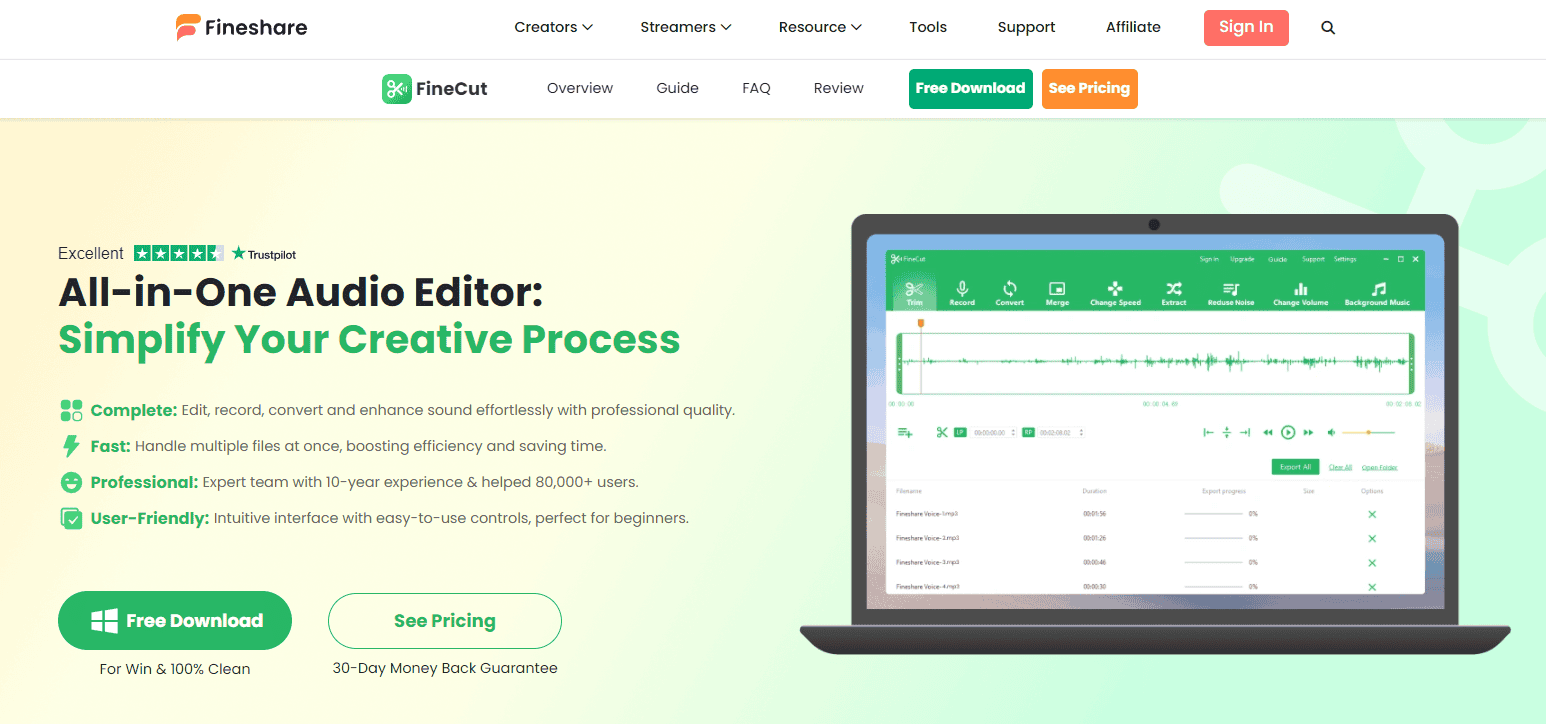
Finecut is another fantastic AI voice generator designed for producing lifelike voices for video and multimedia content. It helps creators add natural-sounding voices to explainer videos, commercials, and training materials.
Key Features:
- Voice Customization: Adjust voice speed and style for optimal engagement.
- Video Integration: Easily sync voiceovers with video content.
- Multiple Voice Options: Choose from a wide range of voices and accents.
Finecut: The Good and The Bad
Pros
- High-quality voices
- easy-to-use platform
- supports multiple languages
Cons
- Subscription-based pricing
Why Finecut Shines?
Finecut stands out for its intuitive interface and powerful editing tools, making it accessible for both beginners and professionals. It offers seamless integration with various platforms, ensuring smooth workflows and enhanced productivity. Additionally, its affordable pricing and robust customer support make it a top choice for video editing enthusiasts.
Pricing
Here’s a quick overview of FineCut’s pricing:
- Free Upgrade: If you have a FineCut product CD-ROM, you can upgrade to FineCut/Coat9 at no cost.
- Downloadable Version: FineCut/Coat9 is available for download from Mimaki’s website, with the serial key required for activatio.
Some User Testimonials of Finecut:
Testimonial #1
Rating: ⭐⭐⭐⭐⭐
“User-friendly and powerful!” – AudioEnthusiast: “FineCut is incredibly easy to use, even for beginners. The range of features, from trimming to adding background music, makes it a versatile tool for any audio project.”
Testimonial #2
Rating: ⭐⭐⭐⭐⭐
“Great for quick edits.” – PodcasterPro: “I love how fast and efficient FineCut is for making quick edits. It's perfect for podcasting and other audio content.”
Testimonial #3
Rating: ⭐⭐⭐⭐⭐
“Needs more advanced options.” – SoundDesigner: “FineCut is great for basic edits, but I wish it had more advanced features for professional sound design. It's a good starting point, but not for complex projects.”
Best For:
Video editors, marketers, and trainers creating explainer or promotional videos.
12) Synthesys – Human Sounding Text To Speech Voice Over and Videos
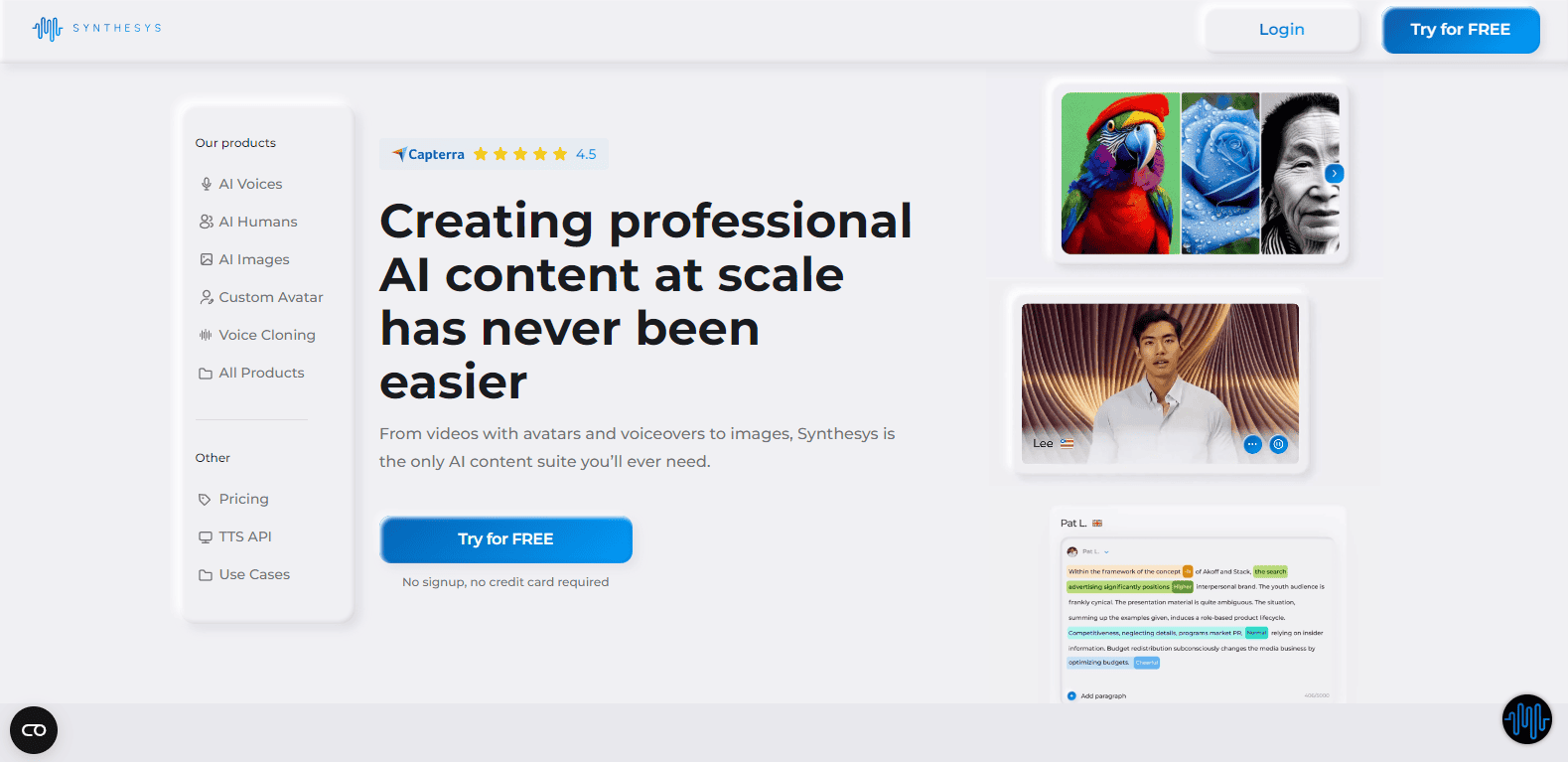
Synthesys combines text-to-speech technology with real human emotion, making it ideal for presentations, video ads, and product demos. The platform is known for its high-quality voice avatars.
Key Features:
- Voice Avatars: Choose from a wide range of avatars to match your content style.
- AI Video Generation: Add synchronized voiceovers to video effortlessly.
- Professional Sound Quality: Ideal for commercial use.
Synthesys: The Good and The Bad
Pros
- Realistic voices
- fast processing
- customizable options
Cons
- Higher pricing for premium features
Why Synthesys Shines?
Synthesys excels with its high-quality AI-generated voiceovers and realistic avatars, making content creation seamless and professional. Its user-friendly interface and extensive customization options cater to diverse needs, from marketing videos to e-learning. Additionally, Synthesys supports over 140 languages, ensuring global accessibility and engagement.
Pricing
Here’s a quick overview of Synthesys’ pricing plans:
- Free Plan: $0/month, basic access to AI tools.
- Personal Plan: $20/month, 15 minutes of audio/video generation, 90 credits.
- Creator Plan: $41/month, 40 minutes of audio/video generation, 240 credits.
- Business Plan: $69/month, unlimited credits with fair use policy.
Some User Testimonials of Synthesys:
Testimonial #1
Rating: ⭐⭐⭐⭐⭐
“High-quality content generation!” –
CreativePro: “Synthesys is fantastic for creating high-quality videos and voiceovers. The AI makes it easy to produce professional content quickly.”
Testimonial #2
Rating: ⭐⭐⭐⭐⭐
“User-friendly but pricey.” – MarketerMax: “The platform is very intuitive and offers a lot of features, but the subscription cost can be a bit high for small businesses.”
Testimonial #3
Rating: ⭐⭐⭐⭐⭐
“Needs more customization options.” – DesignerDiva: “Synthesys is great, but I wish there were more options to customize the generated content. It would make it even more versatile.”
Best For:
Commercials, video ads, and product demos requiring human-like narration.
13) Animaker – Make Animated Videos with AI for Free
Animaker not only offers video creation tools but also a powerful AI voice generator. It’s a popular choice for animated videos, explainer content, and educational materials.
Key Features:
- Text-to-Speech Engine: Create voiceovers in over 50 languages.
- Integration with Animation Tools: Sync AI voices with animated characters.
- Voice Customization: Fine-tune the voice’s pitch, speed, and tone.
Animaker: The Good and The Bad
Pros
- Wide range of voices
- easy integration with animation tools
- affordable pricing
Cons
- Limited voice customization
Why Animaker Shines?
Animaker shines for its user-friendly interface and vast library of templates. It empowers users to easily create high-quality animated videos for various purposes. With features like drag-and-drop editing and customization options, Animaker offers a convenient and efficient solution for content creators.
Pricing
Here’s a quick overview of Animaker’s pricing plans:
- Free Plan: $0/month, basic features.
- Basic Plan: $15/month, 5 minutes video length, HD quality.
- Starter Plan: $25/month, 15 minutes video length, FHD quality.
- Pro Plan: $43/month, 30 minutes video length, 2K quality.
- Enterprise Plan: Custom pricing, tailored features.
Some User Testimonials of Animaker:
Testimonial #1
Rating: ⭐⭐⭐⭐⭐
“Great for creating engaging videos!” – Emma Thompson: “Animaker is perfect for making engaging videos quickly. The templates and easy-to-use interface make it a breeze to create professional-looking content.”
Testimonial #2
Rating: ⭐⭐⭐⭐⭐
“User-friendly but can be slow.” – John Smith: “The platform is very intuitive and offers a lot of features, but it can be slow at times, especially when exporting videos.”
Testimonial #3
Rating: ⭐⭐⭐⭐⭐
“Excellent customer support.” – Alex Johnson: “I had some issues with the software, but the customer support team was very helpful and resolved my problems quickly.”
Best For:
Content creators working on animated explainer videos or educational projects.
14) Speechify – Text to Speech Reader & AI Voice Generator
Speechify is an excellent tool for turning written content into engaging audio. It’s widely used by students, bloggers, and professionals to convert text into natural-sounding voiceovers.
Key Features:
- Audiobook Creation: Convert long-form content into audiobooks.
- Speed Adjustment: Control playback speed for better engagement.
- Multilingual Support: Generate voices in several languages and dialects.
Speechify: The Good and The Bad
Pros
- Natural-sounding voices
- easy-to-use platform
- good customer support
Cons
- Limited advanced features
Why Speechify Shines?
Speechify shines for its exceptional audio quality and versatility. It offers a vast library of realistic voices in multiple languages, making it perfect for converting text into natural-sounding audio. With features like speed adjustment and highlighting, Speechify provides a customizable and efficient listening experience.
Pricing
Here’s a quick overview of Speechify’s pricing plans:
- Free Plan: Basic text-to-speech features.
- Premium Plan: $11.58/month, advanced features, 30+ voices, 20+ languages.
- Basic Plan: $24/month, additional features for individuals.
- Professional Plan: $32.08/month, comprehensive features for professionals.
- Enterprise Plan: Custom pricing, tailored for business needs.
Some User Testimonials of Speechify:
Testimonial #1
Rating: ⭐⭐⭐⭐⭐
“Great for productivity!” –
Jenemarie: “I have ADHD and Speechify has been a game-changer for me. It helps me read more and retain information better. Highly recommend for anyone looking to boost their productivity.”
Testimonial #2
Rating: ⭐⭐⭐⭐⭐
“User-friendly and versatile.” –
AllAboutAI: “Speechify is incredibly user-friendly with an intuitive interface. The text-to-speech and audiobook creation features are impressive, offering great customization options.”
Testimonial #3
Rating: ⭐⭐⭐⭐⭐
“Needs more language support.” – Max Torke: “While Speechify is useful, it struggles with reading PDFs accurately and lacks support for some languages. The trial period is also too short to fully evaluate its capabilities.”
Best For:
Students, professionals, and audiobook creators seeking to turn text into engaging audio.
15) Natural Readers – Free Text to Speech Online
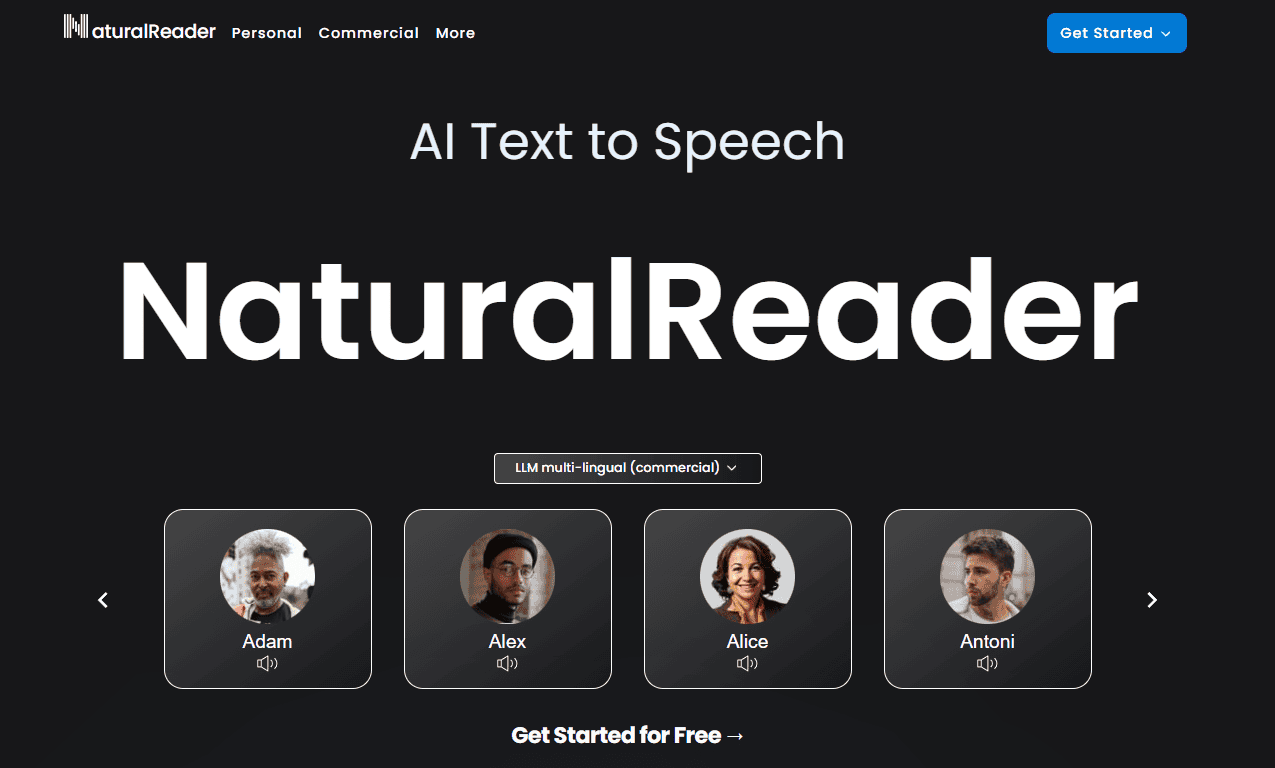
Natural Readers is a user-friendly AI voice generator that delivers high-quality speech for various use cases, including personal projects, education, and business presentations.
Key Features:
- Easy-to-Use Interface: Simple text-to-speech conversion for quick results.
- Variety of Voices: Choose from a wide selection of human-like voices.
- Offline Access: Convert text to speech even when offline.
Natural Readers: The Good and The Bad
Pros
- High-quality voices
- multilingual support
- user-friendly interface
Cons
- Subscription-based pricing
Why Natural Readers Shines?
Natural Readers shines for its exceptional audio quality and versatility. It offers a vast library of realistic voices in multiple languages, making it perfect for converting text into natural-sounding audio. With features like speed adjustment and highlighting, Natural Readers provides a customizable and efficient listening experience.
Pricing
Here’s a quick overview of Natural Readers’ pricing plans:
- Free Plan: Basic features with limited usage.
- Premium Plan: $9.99/month or $59.88/year, includes unlimited listening with non-AI voices, OCR, and more.
- Plus Plan: $19/month or $110/year, includes 500,000 characters/day with AI voices, multi-lingual support, and additional features.
Some User Testimonials of Natural Readers:
Testimonial #1
Rating: ⭐⭐⭐⭐⭐
“Great for quick text-to-speech needs!” – Mark Pickavance: “Natural Readers is perfect for converting text to speech quickly. The free version is great for occasional use, but the paid version offers more features.”
Testimonial #2
Rating: ⭐⭐⭐⭐⭐
“Versatile but can sound robotic.” – Sylvia Last: “The software supports multiple platforms and languages, which is fantastic. However, the voices can sometimes sound a bit robotic and lack natural intonation.”
Testimonial #3
Rating: ⭐⭐⭐⭐⭐
“Good for students and professionals.” – Anonymous User: “I use Natural Readers for studying and work presentations. It's easy to use and helps me stay productive, but it could use some improvements in voice quality.”
Best For:
Educators, students, and business professionals needing simple and high-quality voice generation.
My Final Thoughts
AI voice generators are no longer limited to robotic and monotone outputs. The tools listed above deliver realistic, human-like voices with impressive customization options. Whether you’re a content creator, developer, educator, or business professional, there’s an AI voice generator here to meet your needs.
From hyper-realistic voice cloning in ElevenLabs to the multilingual flexibility of Play.ht and the video integration of Animaker, these AI tools offer powerful solutions for a variety of industries. Choose the one that aligns with your project, and watch as AI voice technology brings your content to life!
Anyway, If you need help deciding, here’s a quick round up of the options we most recommend:
- ElevenLabs – It stands out for its exceptionally realistic and versatile AI-generated voices, making it a top choice for content creators. Its ability to deliver high-quality, natural-sounding audio ensures your projects are engaging and professional, elevating your content to new heights with ease and authenticity. 🌟
- FineVoice – It excels in delivering high-quality, natural-sounding AI voices, making it a fantastic choice for any audio project. Its user-friendly interface and versatile features ensure that your content stands out, providing a professional and engaging listening experience that captivates your audience. 🌟
- Murf.ai – It impresses with its high-quality, natural-sounding AI voices and intuitive interface, making it a top choice for content creators. Its versatile features ensure your projects are professional and engaging, helping you deliver captivating audio experiences that truly resonate with your audience.🌟
- Lovo – It marks with its high-quality, lifelike AI voices, making it an excellent choice for diverse audio projects. Its intuitive platform and robust features ensure your content is both professional and engaging, helping you create captivating audio experiences that resonate with your audience.🌟
Finally, I would like to give you thanks for staying with us. If you want to get more content from us, I’d recommend checking out our website MSB Digital.