The digital product marketplace has seen tremendous growth in recent years, presenting an unparalleled opportunity for creators, educators, and entrepreneurs to easily sell their digital goods. Whether you're offering e-books, online courses, music, software, or any other type of digital product, selecting the right platform is absolutely essential. By choosing wisely, you can maximize your reach and impact while ensuring a seamless experience for both you and your customers. Don't miss out on this chance to elevate your business—make the right choice today!
Below, we’ve compiled a list of the 12 best platforms to sell digital products, each with its own unique strengths.
The best platforms to sell digital products – Comparison
Here’s a quick summary of some of our favorite platforms from this list:
➤ Sellfy – It provides a user-friendly, all-in-one e-commerce platform with easy setup, comprehensive marketing tools, and no transaction fees, making it perfect for creators.
➤ Podia – It offers an all-in-one platform with no transaction fees, built-in marketing tools, and user-friendly course creation, making it perfect for creators and educators.
➤ Teachable – It provides powerful course-building tools, extensive customization options, and built-in analytics, making it the ideal platform for educators and trainers.
➤ Shopify – It offers a versatile, scalable e-commerce platform with extensive app integrations, robust customization options, and excellent support, making it ideal for businesses of all sizes.
➤ Clickfunnels – It offers advanced sales funnel tools, intuitive drag-and-drop interface, and powerful automation features, making it perfect for boosting conversions and driving sales efficiently.
1) Sellfy – Sell Your Products Online Hassle free
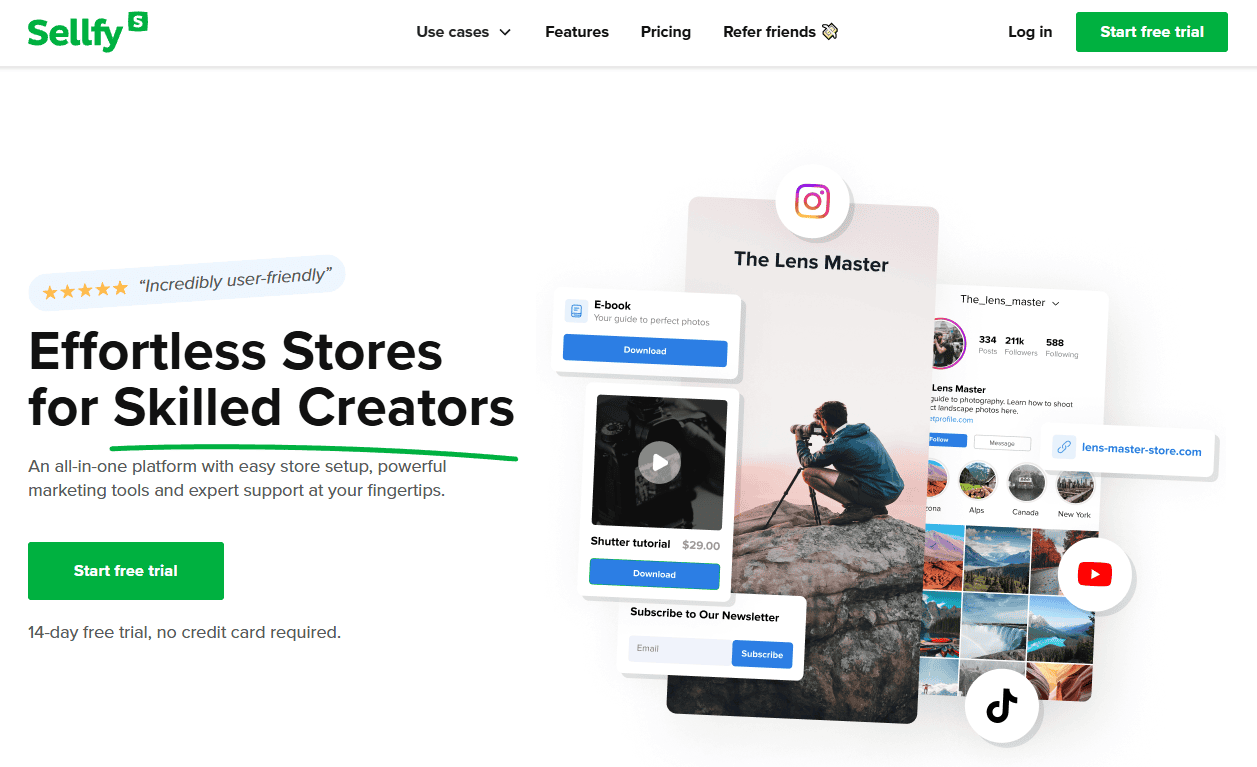
Sellfy is a simple, all-in-one platform that allows creators to sell digital products, physical goods, and even subscriptions. It’s known for its ease of use and has a variety of features tailored for creators, such as built-in marketing tools, customizable storefronts, and secure file hosting.
Key Features:
- Simple setup process
- Built-in marketing tools (email marketing, upsells)
- Multiple product types (digital, physical, subscriptions)
- Custom domain and store customization options
Sellfy: The Good and The Bad
Pros
- Easy Setup: Sellfy allows you to launch a store and start selling products in just a few minutes.
- Versatile: It supports a wide range of product types, including digital products, physical goods, subscriptions, and print-on-demand items.
- Consolidated Storefront: All your products can be listed on one storefront, even if they are different types.
- Embed Options: You can add Buy Now buttons to your existing website or blog, making it easy to sell products without needing a separate store.
- No Transaction Fees: Sellfy does not charge transaction fees, which can help you save money on sales.
Cons
- Limited Customization: While you can customize your store's appearance, the options are more limited compared to some other platforms.
- Higher Costs for Advanced Plans: While the basic plan is affordable, the costs can increase significantly for more advanced features and higher sales volumes.
Why Sellfy Shines?
Sellfy is a powerful ecommerce platform that shines by offering a seamless and user-friendly experience for creating and managing online stores. Its intuitive interface, customizable templates, and robust features make it an attractive choice for entrepreneurs and small businesses looking to sell products or digital content online. Sellfy's emphasis on simplicity, flexibility, and strong support for marketing and analytics sets it apart, allowing users to focus on growing their business without being bogged down by technical complexities.
Pricing
Sellfy offers three main pricing plans:
- Starter: $22/month (billed yearly at $264). Ideal for new sellers, it includes unlimited products, digital products, subscriptions, and up to $10,000 in annual sales.
- Business: $59/month (billed yearly at $708). This plan supports up to $50,000 in annual sales and includes features like product upselling, cart abandonment recovery, and affiliate marketing.
- Premium: $119/month (billed yearly at $1,428). Suitable for high-volume sellers, it supports up to $200,000 in annual sales and includes priority support and product migration.
All plans come with a 14-day free trial, no transaction fees, and built-in email marketing tools.
Some User Testimonials of Sellfy:
Testimonial #1
Rating: ⭐⭐⭐⭐⭐
Sarah M. – Digital Artist
“As a digital artist selling prints and custom artwork, Sellfy has been a game-changer for my business. The digital product delivery system is seamless, and I love how I can embed my store directly on my portfolio website. Setting up payment processing was straightforward, and their print-on-demand service saves me tons of time. The analytics help me track which designs are performing best. Only minor gripe is that the customization options for the storefront could be more flexible, but overall it's been fantastic for my needs.”
Testimonial #2
Rating: ⭐⭐⭐⭐⭐
James R. – Independent Game Developer
“Sellfy has completely transformed how I distribute my indie games! I switched from a popular marketplace to having my own store, and I couldn't be happier. The platform handles everything – from secure file delivery to payment processing – without any hassle. The ability to offer pay-what-you-want pricing has actually increased my earnings, and the built-in affiliate system helps other creators promote my games. Zero technical headaches and fantastic uptime. Best decision I made for my game dev business!”
Testimonial #3
Rating: ⭐⭐⭐⭐⭐
David M. – Music Producer & Beat Maker
“Seriously impressed with how easy Sellfy makes it to run my beat-selling business. The platform lets me customize preview clips, protect my work with PDF stamping, and even create discount codes for my loyal customers. Integration with my existing website was a breeze, and the mobile app lets me track sales on the go. I particularly love how I can bundle beats together and create subscription options for exclusive content. The payment system is rock-solid – never had a single issue with payouts. Worth every penny!”
Best for:
Creators who want an easy-to-use platform with built-in marketing tools.
2) Podia – Streamline Your Online Business Effortlessly
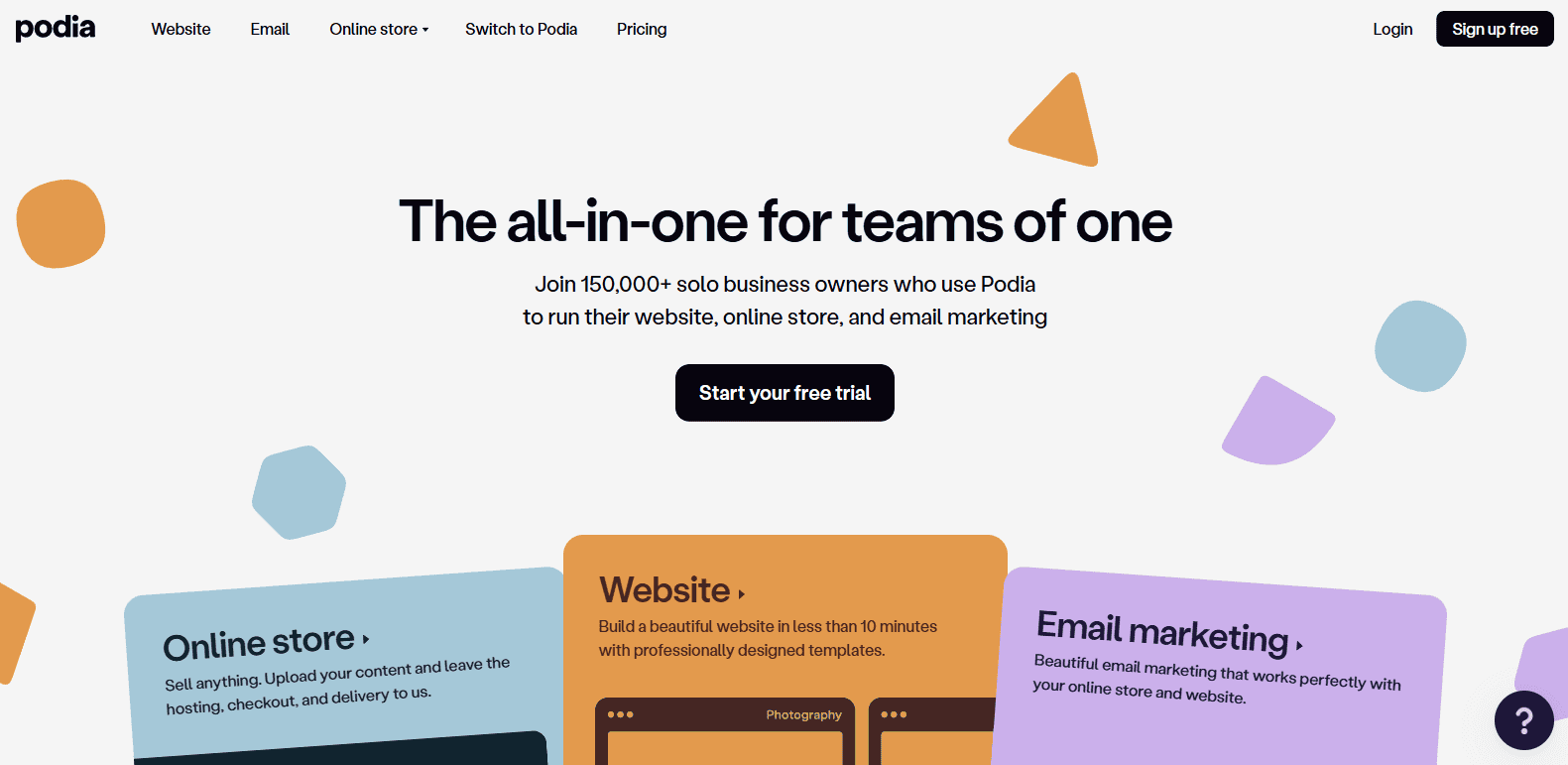
Podia is an all-in-one platform designed for digital products, online courses, and memberships. It’s perfect for course creators, coaches, and entrepreneurs looking for a solution that supports all their digital products.
Key Features:
- Course creation tools
- Membership site options
- Unlimited digital product hosting
- No transaction fees on paid plans
Podia: The Good and The Bad
Pros
- All-In-One Platform: Podia offers everything you need to sell online courses, digital downloads, and memberships in one place.
- No Transaction Fees: You keep more of your earnings since Podia does not charge transaction fees.
- Built-In Marketing Tools: Integrated email marketing and affiliate program management make it easier to promote your products.
- Ease of Use: User-friendly interface and simple setup process, perfect for beginners.
- Supportive Community: Access to a helpful community of creators and extensive resources to help you succeed.
Cons
- Limited Customization: While easy to use, it might lack the depth of customization that advanced users seek.
- Higher Pricing: Compared to some competitors, Podia's plans can be more expensive, especially if you're just starting out.
- Basic Course Features: Although it covers essential features, it may not have the advanced course options found in more specialized platforms.
Why Podia Shines?
Podia shines as an all-in-one digital platform that empowers creators to sell online courses, memberships, and digital downloads with ease, offering robust features, seamless integration, and a user-friendly interface to build and grow thriving online businesses.
Pricing
Podia offers three main pricing plans:
- Mover: $39/month (billed yearly at $33/month). Includes a 5% transaction fee, website, online store, email marketing, unlimited products, blog, and 7-days-a-week support.
- Shaker: $89/month (billed yearly at $75/month). Includes everything in the Mover plan plus no transaction fees, affiliate marketing, and additional features.
- Podia Email: Starts at $39/month (billed yearly at $33/month) for up to 1,000 subscribers, with additional costs for more subscribers.
All plans come with a 30-day free trial, and there are discounts available for annual commitments.
Some User Testimonials of Podia:
Testimonial #1
Rating: ⭐⭐⭐⭐⭐
Rachel K. – Online Fitness Coach
“Podia has revolutionized my online fitness business! I used to juggle multiple platforms for my courses, downloads, and community, but now everything is beautifully integrated in one place. The course builder is incredibly intuitive – I can easily mix videos, worksheets, and quizzes. What really sets Podia apart is their outstanding customer service. Every time I've had a question, their team responds within hours with detailed, helpful solutions. The built-in email marketing tools have helped me grow my list from 500 to 5,000+ subscribers. No regrets switching to Podia!”
Testimonial #2
Rating: ⭐⭐⭐⭐⭐
Michael P. – Digital Marketing Consultant
“After trying nearly every course platform out there, I finally found my perfect match with Podia. The clean, modern interface makes my content look incredibly professional, and my students constantly comment on how easy it is to navigate. I love that I can offer different membership tiers, digital downloads, and webinars all under one roof. The zero transaction fees on the annual plan save me thousands compared to other platforms. Plus, their built-in website builder meant I could cancel my separate website subscription. A true all-in-one solution!”
Testimonial #3
Rating: ⭐⭐⭐⭐⭐
Sophia L. – Art Workshop Instructor
“As a creative entrepreneur, I can't say enough good things about Podia! The platform makes it so simple to drip content to my students, host live workshops, and sell digital art resources. My favorite feature is the community space – it's created such an engaged group of artists who support each other's growth. The analytics are crystal clear, showing me exactly which content resonates most with my audience. I also appreciate that there's no limit on storage or bandwidth, so I can upload as many high-res video tutorials as I want. Podia truly puts creators first!”
Best for:
Course creators and those looking to build membership sites.
3) Teachable – A Simple Way to Share Your Knowledge
Teachable is a popular platform for selling online courses. It’s designed for educators and creators who want to create and sell courses without worrying about technical issues. With Teachable, you can build a course site and set up your own pricing model (one-time payments, subscriptions, or payment plans).
Key Features:
- Course creation and hosting
- Custom branding
- Advanced analytics
- Integrations with payment gateways like Stripe and PayPal
Teachable: The Good and The Bad
Pros
- User-Friendly Interface: Even those without technical expertise can easily navigate and use Teachable.
- All-in-One Solution: It offers a comprehensive suite of tools, including course creation, payment processing, marketing, and student management.
- Robust Course Creation Tools: You can create engaging courses with various content formats, such as video, text, and quizzes.
- Flexible Pricing Models: Teachable offers diverse pricing options, including one-time payments, subscriptions, and bundles.
- Strong Community and Support: A large and active community of users, along with helpful customer support, can assist you.
- Marketing and Sales Tools: Built-in marketing tools like email marketing and affiliate programs help you promote your courses.
- Scalability: Teachable can handle a growing number of students and courses.
Cons
- Limited Customization: While Teachable offers customization options, they may not be as extensive as some other platforms.
- Transaction Fees: Teachable charges a transaction fee on each sale, which can impact your revenue.
- Steeper Learning Curve for Advanced Features: While the basic features are easy to use, mastering advanced features may require more time and effort.
- Fewer Integrations: Teachable may not integrate with as many third-party tools as some other platforms.
Why Teachable Shines?
Teachable shines as an intuitive and powerful platform that empowers creators to build and monetize online courses, with a user-friendly interface, robust features for content management and student engagement, and strong marketing and analytics tools to drive business growth.
Pricing
Teachable offers several pricing plans to suit different needs:
- Free Plan: $0/month, includes 1 published course, 1 published digital product, and 1 published coaching product.
- Basic Plan: $39/month (billed annually at $468), includes 5 published courses, 5 digital products, 5 coaching products, and unlimited students.
- Pro Plan: $119/month (billed annually at $1,428), includes 50 published courses, 50 digital products, 50 coaching products, unlimited students, and 0% transaction fees.
- Pro+ Plan: $199/month (billed annually at $2,388), includes 200 published courses, 200 digital products, 200 coaching products, unlimited students, and 0% transaction fees.
- Business Plan: Custom pricing for high-volume sellers, includes all Pro+ features plus custom user roles, priority support, and advanced reporting.
All plans come with a 14-day free trial, and there are discounts available for annual commitments.
Some User Testimonials of Teachable:
Testimonial #1
Rating: ⭐⭐⭐⭐⭐
Jennifer B. – Professional Chef & Cooking Instructor
“Teachable has been an absolute game-changer for my culinary education business! The course structure is perfect for my cooking classes – I can organize lessons by technique, cuisine, or skill level. The video hosting is fantastic, and my students love how they can watch my detailed cooking demonstrations in HD quality. The certificates feature adds such a professional touch when students complete a course. I particularly love how easy it is to create quizzes and assignments to check students' understanding. After a year on the platform, I've taught over 2,000 students and the analytics help me understand exactly what content resonates most!”
Testimonial #2
Rating: ⭐⭐⭐⭐⭐
Mark T. – Photography Workshop Creator
“I switched to Teachable two years ago and haven't looked back! The platform makes it incredibly simple to create beautiful, professional-looking courses. The ability to offer different pricing tiers and payment plans has significantly boosted my sales – plus the affiliate program helps me reach new students through other photographers. What really stands out is the mobile experience – my students can watch lessons on their phones while practicing photography in the field. The backend is so intuitive that I can focus on creating content instead of dealing with technical issues. Worth every penny!”
Testimonial #3
Rating: ⭐⭐⭐⭐⭐
Amanda R. – Business Skills Coach
“As someone who's not super tech-savvy, I can't praise Teachable enough! Setting up my first course was surprisingly easy, and their support team is incredible – always there to help with quick, clear solutions. The platform handles all the heavy lifting with payments, taxes, and student management. I love that I can create custom domains for each course and use their powerful email marketing tools to stay connected with my students. The course compliance features ensure my students actually complete the material before moving forward. Since launching on Teachable, my online course revenue has tripled!”
Best for:
Educators and course creators looking for a reliable platform.
4) SendOwl – Simplifying Digital Product Sales for Creators
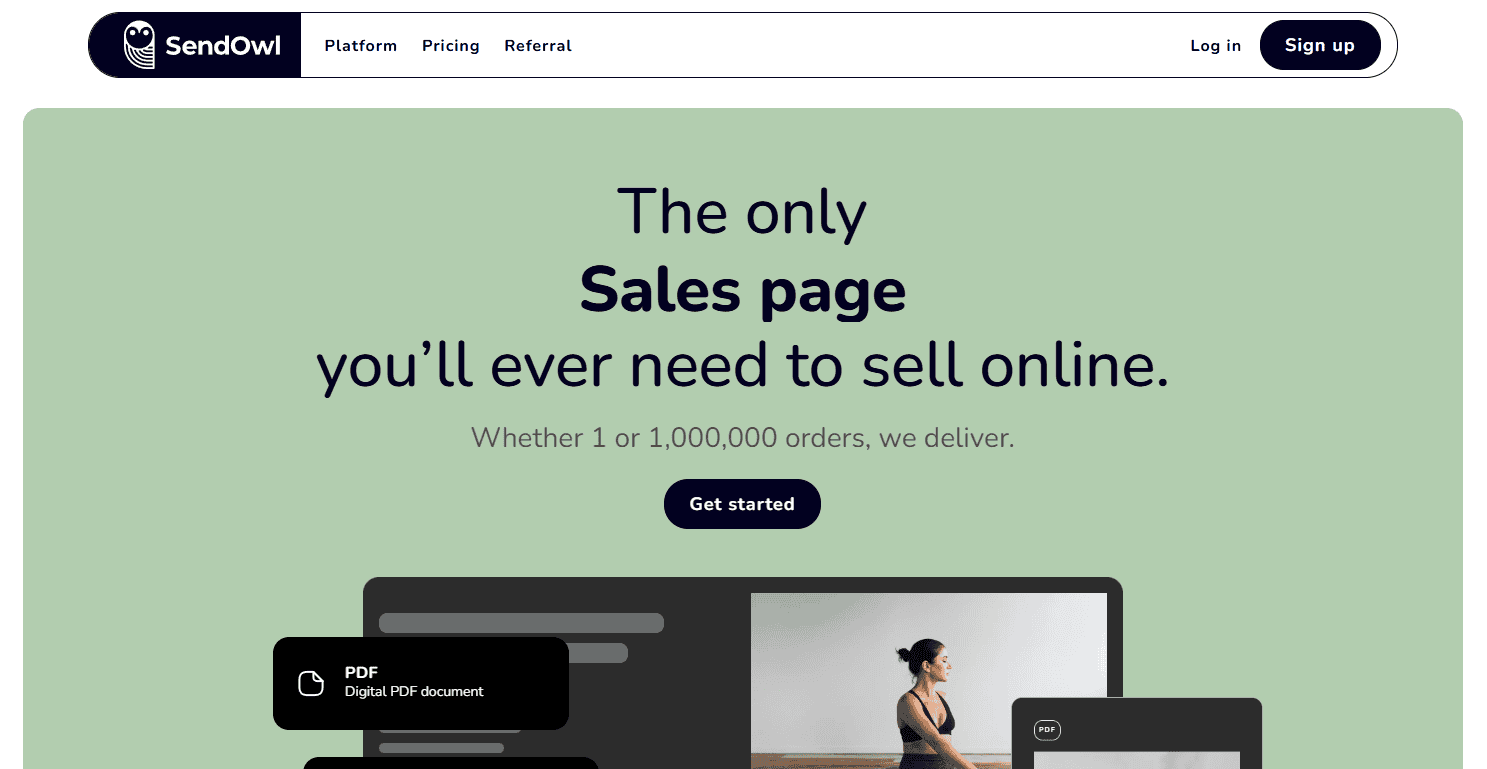
SendOwl is a powerful and affordable platform for selling digital products and subscriptions. It offers easy integration with existing websites, as well as automation features like drip content and affiliate marketing tools.
Key Features:
- Automated delivery of digital files
- Subscription and membership options
- Built-in affiliate marketing tools
- Supports multiple payment gateways
SendOwl: The Good and The Bad
Pros
- Ease of Use: SendOwl is designed to be user-friendly, making it easy for sellers of all technical levels to set up and manage their digital product sales.
- Automated Delivery: Once a payment is made, SendOwl automatically delivers the digital product to the buyer, ensuring a seamless experience.
- No Transaction Fees: SendOwl does not charge transaction fees, which can help you save money on sales.
- Built-In Affiliate Program: You can set up an affiliate program to earn commissions on sales made through your affiliates.
- Free Plan Available: SendOwl offers a free plan, which is perfect for anyone just getting started.
Cons
- Limited Design Customization: While SendOwl is easy to use, it may lack some of the advanced design customization options available on other platforms.
- Customer Service: Some users have reported that customer service can be limited, which might be a concern if you need extensive support.
- Pricing for High-Volume Sellers: While SendOwl's pricing is competitive, high-volume sellers with very low-priced items might find the transaction fees a consideration.
Why SendOwl Shines?
SendOwl shines as a powerful yet easy-to-use platform for selling digital products and downloads, with a focus on streamlining the sales process, secure payments, and seamless customer experiences.
Pricing
SendOwl offers three main pricing plans:
- Starter: $1/month for the first 2 months, then $18/month. It includes a 5% fee per order and 10GB of storage.
- Growth: $1/month for the first 2 months, then $37/month. It includes a $0.47 fee per order and 100GB of storage.
- Pro: $1/month for the first 2 months, then $89/month. It includes a $0.28 fee per order and 200GB of storage.
All plans come with a 7-day free trial and support unlimited products, subscriptions, and integrations.
Some User Testimonials of SendOwl:
Testimonial #1
Rating: ⭐⭐⭐⭐⭐
Tanu D. – eBook Author & Self-Publisher
“SendOwl is a hidden gem for digital creators! As someone who sells multiple eBooks, I love how simple they make the whole process. The ability to generate unique license keys for each purchase and limit download attempts gives me peace of mind about file security. Their checkout process is lightning fast – my customers literally get their downloads within seconds. The automatic PDF stamping feature that adds the buyer's email has practically eliminated unauthorized sharing. Best of all, their pricing is super straightforward with no hidden fees. Perfect for independent creators who want a no-fuss solution!”
Testimonial #2
Rating: ⭐⭐⭐⭐⭐
Pirah V. – Software Developer
“After trying several digital delivery platforms, SendOwl stands out for its reliability and simplicity. The API integration was a breeze, and I particularly love the cart abandonment features – they've helped recover numerous lost sales. The platform handles VAT MOSS compliance automatically, which is huge for selling to EU customers. Their support team is incredibly responsive, usually getting back to me within hours. The ability to create custom thank you pages and drip content has really helped with customer satisfaction. It just works, exactly as advertised!”
Testimonial #3
Rating: ⭐⭐⭐⭐⭐
Sumon M. – Digital Music Producer
“SendOwl has completely streamlined my beat-selling business! The platform handles everything beautifully – from secure file delivery to license key management. I love that I can offer different license types with varying prices and terms, all managed automatically. The affiliate system is fantastic – I've built a network of promoters who help sell my beats. The analytics give me clear insights into which products are performing best, and the automatic upsell features have significantly increased my average order value. For digital product sellers who want something reliable and straightforward, SendOwl is perfect!”
Best for:
Sellers who want to integrate digital product sales into their existing website.
5) Easy Digital Downloads (EDD) – Boost Your WordPress Site's E-Commerce Power
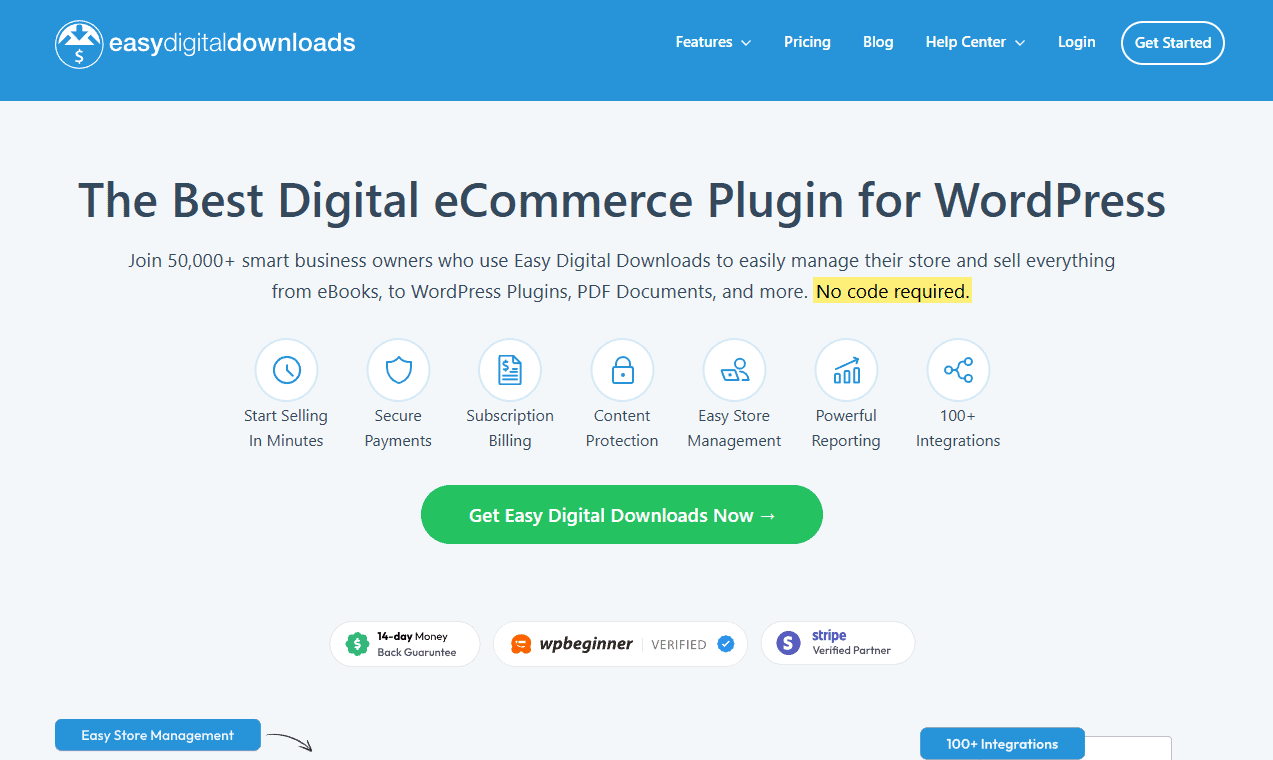
Easy Digital Downloads (EDD) is a WordPress plugin that enables you to sell digital products from your own website. It offers a lot of flexibility and control, making it ideal for WordPress users who want to manage their own store.
Key Features:
- Seamless WordPress integration
- Download tracking and file access control
- Flexible payment gateways
- Extensions for email marketing, licensing, and more
Easy Digital Downloads (EDD): The Good and The Bad
Pros
- User-friendly: EDD is relatively easy to set up and use, even for those without technical expertise.
- Focused on Digital Products: It's specifically designed for selling digital products, making it a specialized and efficient solution.
- Customizable: You can customize your storefront and checkout process to match your brand.
- Flexible Pricing: EDD offers various pricing options, including one-time purchases, subscriptions, and bundles.
- Robust Features: It includes features like discount codes, customer management, and detailed analytics.
- Secure File Delivery: Ensures secure and reliable delivery of digital products to customers.
- Extensible: With numerous extensions, you can further enhance the functionality of EDD.
Cons
- Steeper Learning Curve for Advanced Features: While the basics are easy to learn, mastering advanced features may require more technical knowledge.
- Limited Customization: While you can customize your storefront, the options are somewhat limited compared to other e-commerce platforms.
- WordPress Dependency: EDD is a WordPress plugin, so your website must be built on WordPress.
Why Easy Digital Downloads (EDD) Shines?
Easy Digital Downloads shines as a flexible and feature-rich WordPress plugin that enables creators to seamlessly sell digital products online with a focus on customization, developer-friendly functionality, and robust ecommerce capabilities.
Pricing
Easy Digital Downloads (EDD) offers four main pricing plans:
- Personal – $99/year for basic features on a single site.
- Extended – $199/year for additional integrations and analytics.
- Professional – $299/year with priority support and extra add-ons.
- All Access Pass – $499/year for all extensions, best for advanced needs.
Each plan includes support, updates, and core eCommerce tools, with higher tiers offering more features and flexibility for scaling stores.
Some User Testimonials of Easy Digital Downloads (EDD):
Testimonial #1
Rating: ⭐⭐⭐⭐⭐
Alex T. – WordPress Theme Developer
“As a developer selling premium WordPress themes, EDD has been absolutely perfect for my business! The integration with WordPress is seamless, and I love how I can keep my entire business within the WordPress ecosystem. The Software Licensing add-on is worth its weight in gold – it handles automatic updates for my customers and manages license keys flawlessly. The recurring payments feature helped me transition to a subscription model, and my revenue has grown significantly. The extensive documentation and helpful developer community make customization a breeze. After 3 years of using EDD, I couldn't imagine running my digital store any other way!”
Testimonial #2
Rating: ⭐⭐⭐⭐⭐
Karen V. – Digital Artist & Resource Creator
“Easy Digital Downloads lives up to its name and then some! What I love most is how customizable everything is – from the checkout process to email notifications. The free version is generous, but the Pro version's features like content restriction and recurring payments are game-changers. The built-in reporting tools give me clear insights into my best-selling products and customer behavior. I've tried other platforms, but none offer the level of control and WordPress integration that EDD does. Plus, their support team is incredibly knowledgeable and always ready to help. Absolutely worth the investment!”
Testimonial #3
Rating: ⭐⭐⭐⭐⭐
Tom C. – Online Music Teacher
“I switched to EDD for my sheet music store last year, and it's been fantastic! The platform handles large files without issues, and the front-end experience for my customers is super smooth. I particularly love how easy it is to create discount codes and run promotions. The variable pricing options let me offer different license types for my compositions, and the PDF stamping feature adds an extra layer of security. Being able to use my existing WordPress theme and just integrate EDD's shopping cart was a huge plus. The platform grows with your business – start simple and add features as you need them. Highly recommended!”
Best for:
WordPress users looking for a customizable digital product store.
6) Payhip – Create a free website and sell online
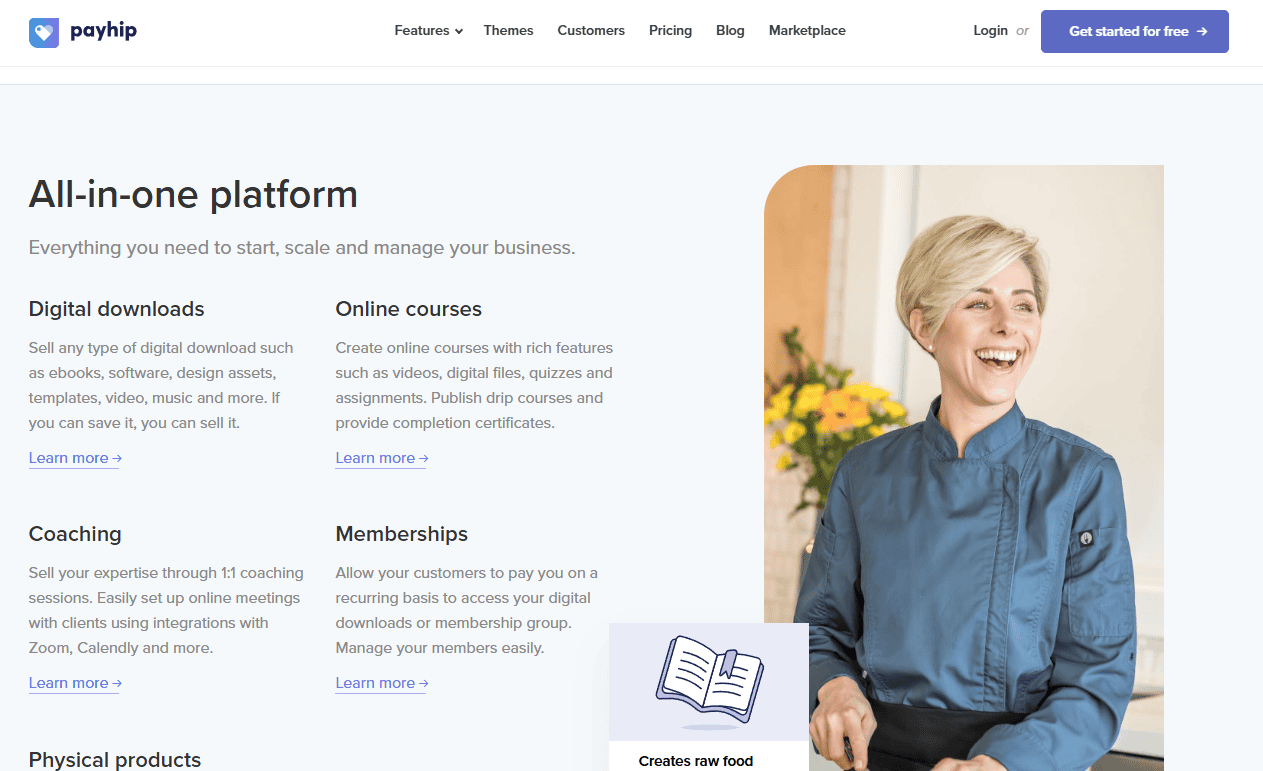
Payhip is a user-friendly platform that allows creators to sell digital downloads, subscriptions, and memberships. It’s especially popular among authors, musicians, and designers. Payhip handles everything from hosting files to processing payments.
Key Features:
- Sell digital downloads and memberships
- Simple checkout process
- Built-in marketing tools (affiliate marketing, discounts)
- GDPR-compliant
Payhip: The Good and The Bad
Pros
- Ease of Use: Payhip is incredibly easy to set up and use, making it perfect for beginners.
- No Monthly Fees: There are no monthly fees, only a 5% transaction fee on sales.
- Marketing Tools: Built-in tools for upsells, cross-sells, coupons, and affiliate marketing.
- EU VAT Handling: Payhip handles EU VAT automatically, which simplifies selling to customers in the European Union.
- No Limits on Products or Revenue: You can sell an unlimited number of products and generate unlimited revenue without upgrading plans.
Cons
- Limited Integrations: Payhip has fewer integrations compared to some other platforms, which might limit functionality.
- No SEO Features: There are no built-in SEO features, so you'll need to handle SEO separately if you want to optimize your store for search engines.
- Transaction Fees: The 5% transaction fee can add up, especially for high-volume sellers.
Why Payhip Shines?
Payhip shines as a user-friendly ecommerce platform focused on simplicity, flexibility, and creator-centric features that empower individuals and small businesses to sell digital products, memberships, and online courses with ease.
Pricing
Payhip offers three main pricing plans:
- Free Plan: $0/month with a 5% transaction fee on sales. This plan includes all features and unlimited products.
- Plus Plan: $29/month with a 2% transaction fee on sales. It includes everything in the Free Plan plus additional features like custom domains and advanced reporting.
- Pro Plan: $99/month with no transaction fees. This plan includes everything in the Plus Plan plus priority support and advanced customization options.
All plans come with a 14-day free trial, and there are discounts available for annual commitments.
Some User Testimonials of Payhip:
Testimonial #1
Rating: ⭐⭐⭐⭐⭐
Laura M. – Self-Published Author
“Payhip has made selling my eBooks an absolute breeze! I was initially drawn in by their incredibly generous free plan, but I've stayed for the amazing features. The PDF stamping and download limits give me peace of mind about file security, while their EU VAT handling takes care of all the tax headaches automatically. I love how easy it is to create bundles and run time-sensitive promotions. The social discount feature, where customers can get a discount for sharing on social media, has significantly boosted my visibility. Best of all, their support team responds within hours and is always super helpful. Perfect for indie authors!”
Testimonial #2
Rating: ⭐⭐⭐⭐⭐
Daniel K. – Digital Artist & Course Creator
“Coming from other platforms, I'm blown away by how user-friendly Payhip is! Setting up my digital art tutorials and templates took minutes, not hours. The affiliate system is fantastic – I've built a great network of promoters who help market my products. What really sets Payhip apart is their pay-what-you-want pricing option, which has actually increased my average sale value. The ability to embed my store directly on my website keeps my brand consistent, and the checkout process is lightning fast. Their 5% transaction fee on the free plan is so reasonable, I was able to start selling immediately with zero upfront costs!”
Testimonial #3
Rating: ⭐⭐⭐⭐⭐
Melissa R. – Fitness Coach
“Payhip is the hidden gem of digital product platforms! I use it to sell my workout plans and nutrition guides, and it handles everything beautifully. The subscription feature lets me offer monthly membership access to premium content, while the built-in email marketing tools help me stay connected with customers. I particularly love how they handle multiple currencies automatically – my international customers can pay in their preferred currency. The dashboard analytics are clear and helpful for tracking performance. Payhip's simplicity lets me focus on creating content instead of wrestling with technology. It's rare to find a platform that's both powerful and easy to use!”
Best for:
Creators looking for a straightforward, no-fuss solution to sell digital products.
7) ConvertKit – Elevate Your Email Marketing Game
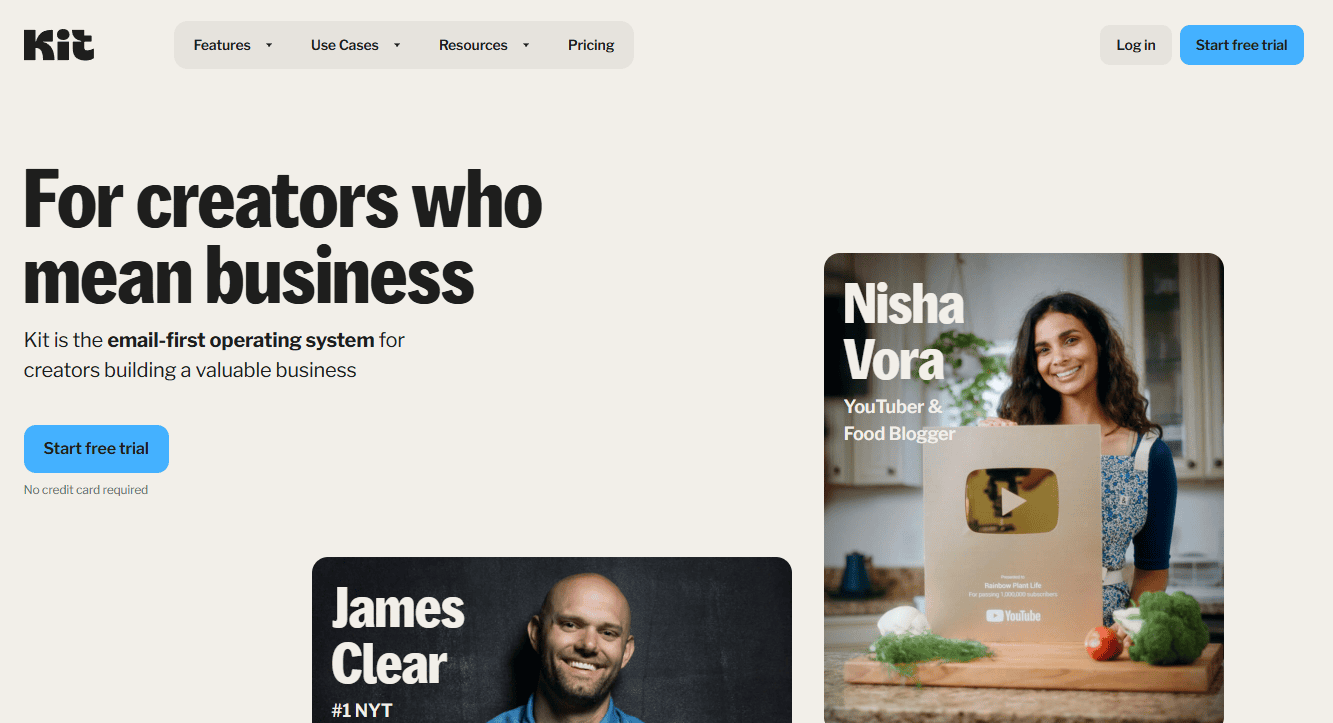
Originally designed for email marketing, ConvertKit now includes features for selling digital products. It allows creators to build landing pages, collect payments, and market to their audience via email, making it a great all-in-one platform for creators who want to focus on building a subscriber base.
Key Features:
- Landing page builder
- Email marketing automation
- No setup fees or transaction fees
- Pay-per-product pricing structure
ConvertKit: The Good and The Bad
Pros
- User-Friendly Interface: ConvertKit is known for its intuitive interface, making it easy to navigate and use.
- Robust Automation Features: You can automate email sequences, welcome emails, and more, saving you time and effort.
- Email Templates: A variety of customizable email templates are available to help you create professional-looking emails.
- Landing Page Builder: Create high-converting landing pages to capture leads and grow your email list.
- Integrations: ConvertKit integrates with many popular tools, including WordPress, Zapier, and Shopify.
- Strong Community and Support: A helpful community and responsive support team are available to assist you.
- Creator-Focused Features: It offers features like digital product sales, affiliate marketing, and paid subscriptions.
Cons
- Limited Advanced Features: Compared to some other email marketing platforms, ConvertKit may lack some advanced features, such as A/B testing and advanced segmentation.
- Steeper Learning Curve for Complex Automations: While the basic features are easy to use, creating complex automations may require more technical knowledge.
- Pricing: The pricing plans can be a bit expensive for smaller businesses or individual creators
Why ConvertKit Shines?
ConvertKit shines as an email marketing platform purpose-built for creators, offering powerful features for building subscriber lists, automating campaigns, and driving sales of digital products and online courses.
Pricing
ConvertKit offers three main pricing plans:
- Free Plan: $0/month for up to 1,000 subscribers. Includes unlimited landing pages, forms, broadcasts, audience tagging, and the ability to sell digital products.
- Creator Plan: Starts at $9/month (up to 300 subscribers) and goes up to $66/month (up to 5,000 subscribers). Includes everything in the Free Plan plus advanced automations, integrations, and priority support.
- Creator Pro Plan: Starts at $25/month (up to 300 subscribers) and goes up to $100/month (up to 10,000 subscribers). Includes everything in the Creator Plan plus additional features like subscriber engagement scoring, deliverability reporting, and a dedicated account manager.
All plans come with a 14-day free trial, and there are discounts available for annual billing.
Some User Testimonials of ConvertKit:
Testimonial #1
Rating: ⭐⭐⭐⭐⭐
Emma R. – Food Blogger & Recipe Developer
“ConvertKit has completely transformed my email marketing game! After struggling with other platforms, their visual automation builder makes it so intuitive to create complex sequences. I love how I can tag subscribers based on their interests and send them targeted content about specific recipes or cooking techniques. The landing page builder is a fantastic bonus – I've grown my list from 2K to 20K subscribers using their beautiful, conversion-optimized templates. Their deliverability rates are outstanding – my open rates increased by 15% after switching. The commerce features for selling my digital recipe books are the icing on the cake. Worth every penny for serious creators!”
Testimonial #2
Rating: ⭐⭐⭐⭐⭐
Jason K. – Online Business Coach
“I've been using ConvertKit for three years, and it's been instrumental in scaling my coaching business. The segmentation capabilities are unmatched – I can easily identify my most engaged subscribers and nurture them with specific content. Their form builder is super flexible, and the ability to create content upgrades with automated delivery is brilliant. What really sets ConvertKit apart is their creator-first philosophy – features like the tip jar and simple digital product sales show they truly understand what creators need. Plus, their support team is incredibly knowledgeable and responsive. It's like having a marketing team in your pocket!”
Testimonial #3
Rating: ⭐⭐⭐⭐⭐
Rebecca B. – Indie Musician & Creator
“As a musician transitioning to direct-to-fan marketing, ConvertKit has been a game-changer! The platform makes it effortless to maintain different sequences for fans, venues, and industry contacts. I absolutely love the visual automation builder – it helps me visualize my entire fan journey. Their reporting is clear and actionable, showing me exactly which emails resonate with my audience. The ability to sell my music and merch directly through email campaigns has simplified my whole business model. What really impresses me is how they constantly roll out new features while keeping the interface clean and intuitive. Truly the best investment I've made in my music career!”
Best for:
Creators who want to leverage email marketing alongside digital product sales.
8) Shopify – The Ultimate Platform for Online Store Success

Shopify is a well-known e-commerce platform that can be used to sell both physical and digital products. While it’s primarily known for physical goods, it offers plenty of options for selling digital products with apps and plugins. Shopify also offers secure file hosting, customizable storefronts, and multiple payment options.
Key Features:
- Extensive app marketplace
- Secure file hosting for digital products
- Customizable storefront
- Supports physical and digital products
Shopify: The Good and The Bad
Pros
- User-Friendly: Shopify is known for its user-friendly interface, making it easy to set up and manage your online store, even if you're not tech-savvy.
- All-in-One Platform: It provides a comprehensive suite of tools, including payment processing, shipping, marketing, and analytics.
- Extensive App Store: You can extend the functionality of your store with thousands of apps for various purposes, such as accounting, marketing, and customer support.
- Secure Hosting: Shopify handles all the technical aspects of hosting your store, ensuring security and reliability.
- Mobile-Friendly: Your store will automatically be optimized for mobile devices, providing a seamless shopping experience for your customers.
- Strong Customer Support: Shopify offers excellent customer support to assist you with any questions or issues.
Cons
- Transaction Fees: Shopify charges transaction fees for each sale, which can impact your profit margins.
- Limited Customization: While Shopify offers customization options, they may not be as extensive as some other platforms.
- Monthly Subscription Fees: You'll need to pay a monthly subscription fee to use Shopify, which can add up over time.
- Reliance on Third-Party Apps: While Shopify's app store is extensive, relying on third-party apps can increase costs and complexity.
Why Shopify Shines?
Shopify shines as an ecommerce powerhouse, providing an intuitive platform for businesses of all sizes to easily build, manage, and grow their online stores with robust features, seamless integrations, and scalable functionality.
Pricing
Shopify offers several pricing plans to fit different business needs:
- Basic Shopify: $39/month (billed yearly at $468). Ideal for new businesses, it includes all the essential features like online store, 24/7 support, and basic marketing tools.
- Shopify: $105/month (billed yearly at $1,260). This plan is for growing businesses and includes everything in the Basic plan plus professional reporting, gift cards, and abandoned cart recovery.
- Advanced Shopify: $399/month (billed yearly at $4,788). Designed for high-volume sellers, it includes everything in the Shopify plan plus third-party calculated shipping rates, advanced reporting, and priority support.
- Shopify Plus: Custom pricing for enterprise-level businesses, offering advanced features like dedicated account management, custom reporting, and API access.
All plans come with a 14-day free trial, and there are discounts available for annual commitments.
Some User Testimonials of Shopify:
Testimonial #1
Rating: ⭐⭐⭐⭐⭐
Darah L. – Boutique Fashion Owner
“Shopify has been an absolute dream for my online boutique! The platform handled our growth from 10 orders a day to over 100 seamlessly. Their inventory management system is fantastic – it automatically syncs across our online store and physical location. The built-in analytics help me make smart purchasing decisions, and the abandoned cart recovery has saved countless sales. I love how easy it is to customize our store's look without any coding knowledge. The app marketplace is incredible – we've found solutions for everything from social media integration to loyalty programs. Plus, their 24/7 support team has been lifesaving during busy holiday seasons!”
Testimonial #2
Rating: ⭐⭐⭐⭐⭐
Hamima R. – Artisanal Food Producer
“After trying several e-commerce platforms, Shopify stands head and shoulders above the rest! The POS system integration lets us sell both at farmers' markets and online with perfectly synced inventory. Setting up local delivery zones and shipping rates was surprisingly easy, and the automatic tax calculations save us hours of work. The mobile app is brilliant – I can manage orders, update products, and check analytics on the go. What really impressed me was how well it handles our subscription box service. Their payment processing rates are competitive, and the platform's reliability means we never miss a sale. Absolutely worth the investment!”
Testimonial #3
Rating: ⭐⭐⭐⭐⭐
Maikel J. – Home Decor Brand Owner
“Starting our home decor business on Shopify was the best decision we've made! The platform grows with you – we started with a simple store and gradually added features as we expanded. Their themes are beautiful and professional, and the product photography tools make our items look stunning. The integration with social media selling channels like Instagram and Facebook has doubled our revenue. I particularly love how easy it is to manage multiple currencies and ship internationally. The built-in SEO tools have helped us rank well in search results, and the blogging feature helps with our content marketing. Shopify truly thinks of everything a modern e-commerce business needs!”
Best for:
Sellers who want a versatile platform for both digital and physical products.
9) Gumroad – Streamline Your Digital Sales with Ease
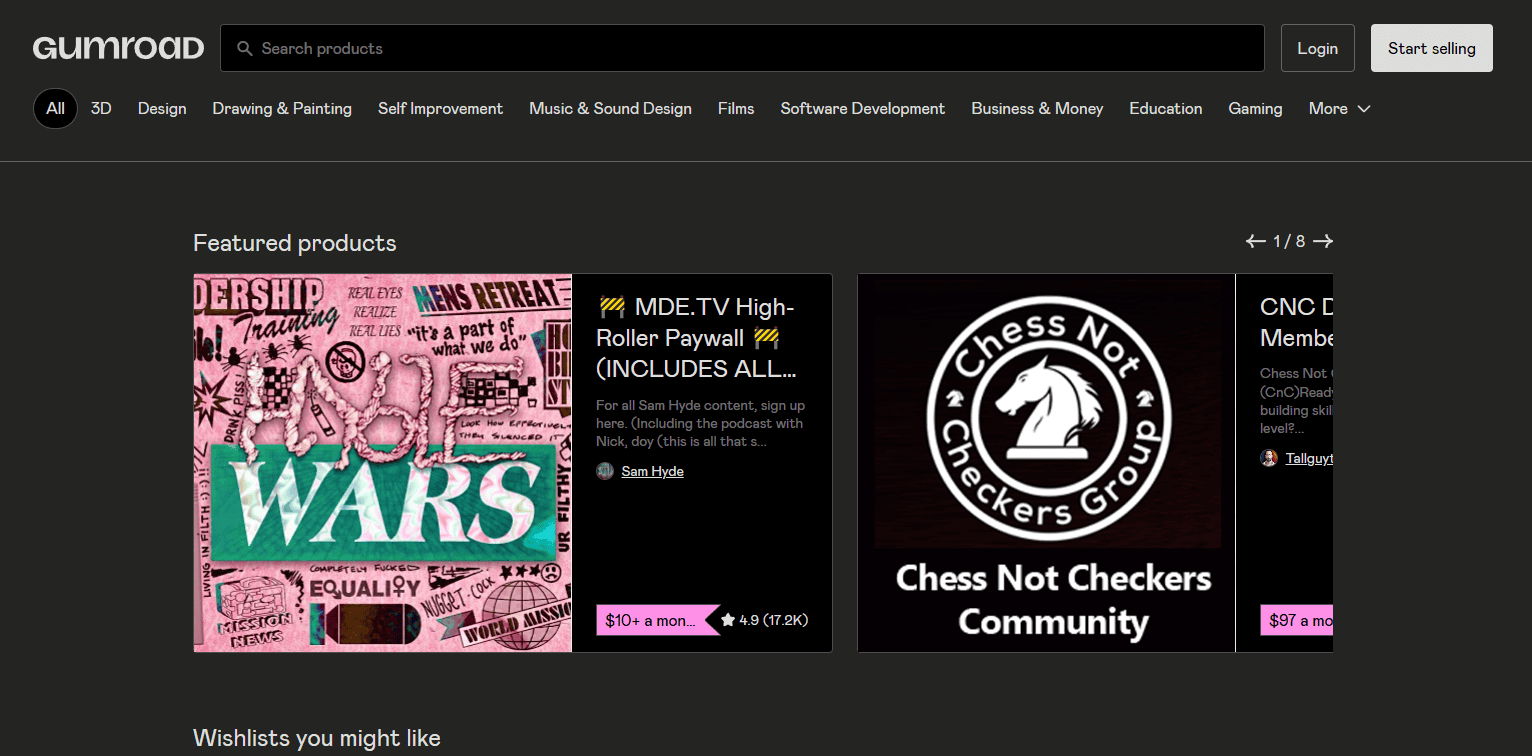
Gumroad is one of the easiest platforms to use for selling digital products, making it a favorite for indie creators and artists. It handles payments, file delivery, and customer management, so creators can focus on producing great content.
Key Features:
- Simple product setup
- No monthly fees (pay as you go)
- Secure digital file hosting
- Support for subscriptions and memberships
Gumroad: The Good and The Bad
Pros
- Ease of Use: Gumroad is incredibly user-friendly, making it easy to set up and manage your digital products.
- No Monthly Fees: You only pay a transaction fee on each sale, making it a cost-effective option.
- Flexible Pricing: You can set various pricing options, including one-time purchases, subscriptions, and bundles.
- Customizable Storefront: You can customize your storefront to match your brand and provide a seamless customer experience.
- Secure Payment Processing: Gumroad integrates with popular payment gateways to ensure secure transactions.
- Detailed Analytics: Track your sales, customer behavior, and revenue with detailed analytics.
- Marketing Tools: Utilize built-in marketing tools to promote your products.
Cons
- Transaction Fees: While there are no monthly fees, the transaction fees can add up, especially for high-volume sellers.
- Limited Customization: While you can customize your storefront, the options are somewhat limited compared to other platforms.
- Steeper Learning Curve for Advanced Features: While the basic features are easy to use, mastering advanced features may require more time and effort.
Why Gumroad Shines?
Gumroad shines as a simple yet powerful platform that empowers creators to easily sell digital products, memberships, and other content directly to their audience with minimal friction, strong monetization tools, and a focus on supporting creators' success.
Pricing
Gumroad offers a simple pricing structure:
- Free Plan: No monthly fee, Gumroad takes a 10% cut of every sale plus payment processing fees (typically around 3.5% + $0.30 per transaction).
- Creator Plan: $10/month, includes everything in the Free Plan plus additional features like analytics and customer management tools.
- Pro Plan: $29/month, designed for high-volume sellers, includes everything in the Creator Plan plus lower transaction fees (2.9% + $0.30 per transaction).
Some User Testimonials of Gumroad:
Testimonial #1
Rating: ⭐⭐⭐⭐⭐
Asad K. – Digital Artist & Comic Creator
“Gumroad is a creator's dream come true! I love how I can start selling my digital art and comics instantly with zero upfront costs. The platform's simplicity is its strength – I set up my store in minutes and their inline checkout means customers can buy without leaving my website. The ability to offer pay-what-you-want pricing has actually increased my earnings, and their automatic file delivery is flawless. The analytics dashboard shows me exactly where my sales are coming from, and the built-in audience features help me stay connected with my supporters. Plus, their weekly payouts are super reliable. Perfect for independent creators who want to focus on making rather than managing!”
Testimonial #2
Rating: ⭐⭐⭐⭐⭐
Maya R. – Programming Course Creator
“I've been selling my programming courses on Gumroad for two years, and I couldn't be happier! The platform's post-purchase emails and workflow automations make delivering course content a breeze. I especially love the feature that lets customers buy in their local currency – my international sales have grown significantly. The affiliate program is fantastic for partnerships, and the ability to offer different license types for my courses maximizes revenue. Their membership feature handles my subscription content perfectly, and the custom fields at checkout help me gather important information from students. Gumroad truly understands what creators need!”
Testimonial #3
Rating: ⭐⭐⭐⭐⭐
Chris G. – Music Producer & Sound Designer
“Gumroad makes selling my beats and sample packs incredibly straightforward! The platform's simplicity lets me spend more time creating and less time managing my store. I love how easy it is to create product variants, perfect for offering different license tiers. The small files feature lets customers instantly preview sounds before buying, and the download delivery is lightning fast. Their analytics help me understand which products perform best, and the custom discount codes are great for running promotions. The direct messaging feature helps me stay in touch with customers, and the community updates keep everyone informed about new releases. For digital creators who want a no-fuss solution, Gumroad is perfect!”
Best for:
Indie creators looking for an easy-to-use, low-cost solution.
10) Buy Me A Coffee – The Ultimate Support Platform for Creators
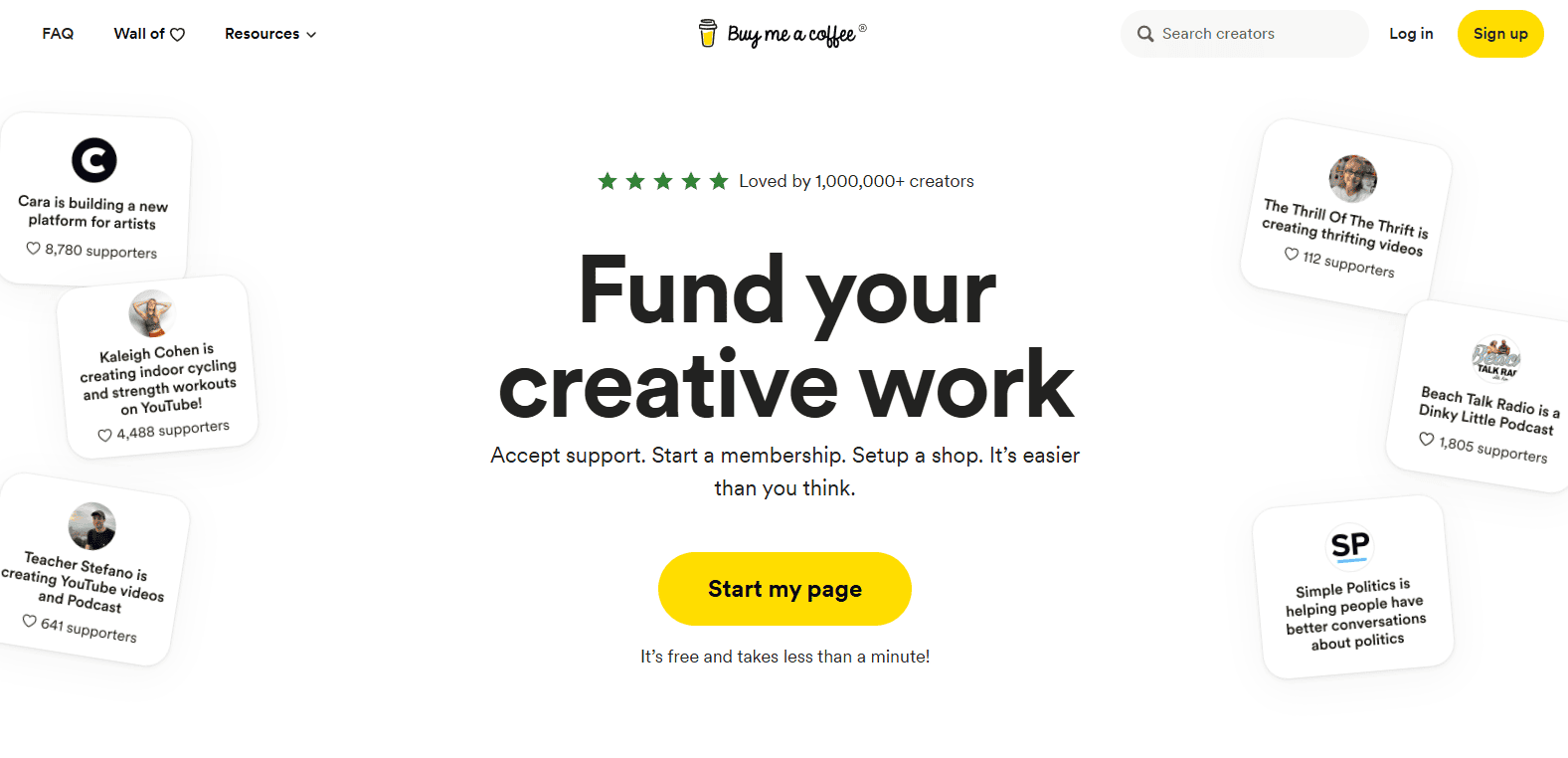
Buy Me A Coffee is a unique platform that allows creators to get paid for their content through tips, donations, and memberships. It also allows creators to sell digital downloads such as e-books or art directly to their audience, offering a flexible approach to digital sales.
Key Features:
- Tip, donation, and membership options
- Digital product sales
- No setup or monthly fees
- Integration with existing websites
Buy Me A Coffee: The Good and The Bad
Pros
- Easy to Use: Both for creators and supporters, the platform is simple to set up and use.
- Direct Support: It provides a straightforward way for fans to directly support their favorite creators.
- Flexible Payment Options: Offers various payment methods, making it convenient for supporters.
- No Monthly Fees: Creators don't have to pay any monthly fees to use the platform.
- Community Building: It can foster a sense of community between creators and their supporters.
Cons
- Transaction Fees: Buy Me a Coffee charges a transaction fee on each payment, which can reduce the amount received by the creator.
- Limited Customization: While you can customize your profile page, the customization options are relatively limited.
Why Buy Me A Coffee Shines?
Buy Me A Coffee shines as a simple and elegant platform that enables fans and supporters to easily and directly contribute financial tips and donations to the creators, artists, and causes they care about.
Pricing
Buy Me a Coffee offers a straightforward pricing model, allowing creators to receive donations or sell content without a complex fee structure. Here’s how the platform’s pricing works:
- Transaction Fees: Buy Me a Coffee charges a 5% transaction fee on earnings. This fee applies to all forms of revenue, including donations, membership subscriptions, and one-time sales of digital products or exclusive content.
- Payment Processing Fees: In addition to the platform fee, payment processing fees apply, varying slightly depending on the payment method and user’s location. Typically, these fees are about 2.9% + 30¢ per transaction (in line with standard credit card processing fees).
- Memberships and Subscriptions: Creators can set up membership tiers for recurring support, and the same 5% platform fee applies to all membership earnings.
- Payouts: Buy Me a Coffee offers instant payouts for creators using platforms like Stripe and PayPal, so you can access your earnings right away without a waiting period.
There are no upfront costs or monthly subscription fees for using Buy Me a Coffee. This makes it an affordable option for creators who prefer a pay-as-you-earn model.
Some User Testimonials of Buy Me A Coffee:
Testimonial #1
Rating: ⭐⭐⭐⭐⭐
Birendro M. – Independent Writer & Newsletter Creator
“Buy Me A Coffee has transformed how I connect with my readers! The platform's simplicity is its superpower – my supporters can contribute with literally two clicks. I love how the interface feels personal and casual, making it less intimidating for fans to show support than traditional donation platforms. The Extras feature lets me sell my writing guides and exclusive content effortlessly. Since adding the widgets to my blog, I've received steady support that actually helps cover my writing costs. Their instant payouts are amazing, and the ability to send personalized thank you notes helps build genuine connections. It's like having a virtual tip jar that actually works!”
Testimonial #2
Rating: ⭐⭐⭐⭐⭐
Hasan L. – Podcast Host & Content Creator
“This platform perfectly captures the creator-supporter relationship! What I love most about Buy Me A Coffee is how it makes monetization feel authentic and personal. The membership features are fantastic – I can easily share exclusive podcast episodes and behind-the-scenes content with my monthly supporters. The page customization options let me maintain my brand while keeping that friendly, approachable vibe. Their commission rate is super fair, and the dashboard makes it easy to track support and engage with my community. Plus, their email notifications keep me instantly connected with supporters. It's like having a virtual meetup space where fans can hang out and support your work!”
Testimonial #3
Rating: ⭐⭐⭐⭐⭐
Marcus P. – Digital Artist & Illustrator
“Buy Me A Coffee is exactly what independent creators need! The platform strikes the perfect balance between professional and casual. I use it to share my art process videos and exclusive sketches with supporters, and the response has been incredible. The monthly membership tools are straightforward but powerful – perfect for offering tiered perks to regular supporters. I especially love how they handle different currencies automatically and make the whole support process feel natural and unforced. Their direct messaging feature helps me build real relationships with my supporters, and the page analytics help me understand what content resonates most. It's become an essential part of my creative business!”
Best for:
Creators who want to combine tips, donations, and digital product sales.
11) ClickFunnels – Build High Converting Sales Funnels

ClickFunnels is a powerful marketing and sales funnel builder that enables you to sell digital products through optimized sales pages and funnels. It’s perfect for creators who want to maximize conversions and grow their sales through upselling and automation.
Key Features:
- Sales funnel creation
- Upselling and cross-selling features
- Affiliate management tools
- Extensive marketing automation
ClickFunnels: The Good and The Bad
Pros
- Advanced Sales Funnels: ClickFunnels allows you to create sophisticated sales funnels to convert visitors into customers.
- Drag-and-Drop Builder: The intuitive drag-and-drop interface makes it easy to design landing pages and sales funnels without any coding knowledge.
- Marketing Automations: You can set up automated marketing workflows to nurture leads and drive conversions.
- A/B Testing: ClickFunnels offers A/B testing features to help you optimize your funnels for better performance.
- Built-In CRM: The platform includes a customer relationship management (CRM) system to manage your leads and customers.
- Free 14-Day Trial: ClickFunnels offers a free 14-day trial so you can test out the platform before committing.
- 30-Day Money-Back Guarantee: If you're not satisfied, you can get a full refund within 30 days.
Cons
- Learning Curve: While user-friendly, there can still be a learning curve, especially for those new to sales funnels.
- Page Load Speeds: Some users have reported slower page load speeds, which can affect user experience.
- Cost: ClickFunnels is more expensive than many of its competitors, with plans starting at $81 per month (billed annually).
- Limited Customer Support: Support is primarily via email, which can be slower than other methods of communication.
- Limited Themes: There are only eight website themes to choose from, which might not offer enough variety for some users.
Why ClickFunnels Shines?
ClickFunnels shines as an all-in-one sales funnel-building platform that empowers businesses to easily create and optimize high-converting funnels, streamlining the lead generation and sales process.
Pricing
ClickFunnels offers three main pricing plans:
- Startup: $97/month (billed annually at $970). This plan includes 3 brand workspaces, 3 team members, unlimited funnels, pages, contacts, domains, courses, and members.
- Pro: $297/month (billed annually at $2,970). This plan includes 10 brand workspaces, 10 team members, unlimited funnels, pages, contacts, domains, courses, and members.
- Funnel Hacker: $2,497/month (billed annually at $29,964). This plan includes everything in the Pro plan, plus additional features like priority support and advanced analytics.
All plans come with a 14-day free trial and a 30-day money-back guarantee.
Some User Testimonials of ClickFunnels:
Testimonial #1
Rating: ⭐⭐⭐⭐⭐
Bisal M. – Product Manager
“ClickFunnels has everything I need to launch and grow an online business. It’s dynamic, flexible, and empowering. The recent updates have added so many new features, surpassing what the competition offers under one roof. I’ve had no need to consider other platforms.”
Testimonial #2
Rating: ⭐⭐⭐⭐⭐
Karma R. – SEO Developer
“ClickFunnels is the #1 funnel building software in the world. It’s the easiest, fastest, and most beautiful way to get your entire funnel up and running in less than a couple of hours. It does it all – upsells, downsells, membership sites, SEO, opt-in pages, tracking codes. I’ve been using it for over two years and it’s been a game-changer.”
Testimonial #3
Rating: ⭐⭐⭐⭐⭐
Piya M. – Social Developer
“ClickFunnels helped me make my Facebook ads work and test several new ideas quickly. My overall experience has been very satisfying. It’s the perfect tool for anyone looking to build an online business, whether as a coach, leader in a particular area of expertise, or simply selling physical products.”
Best for:
Sellers focused on marketing and maximizing sales conversions.
12) Squarespace – A Stylish E-commerce Platform
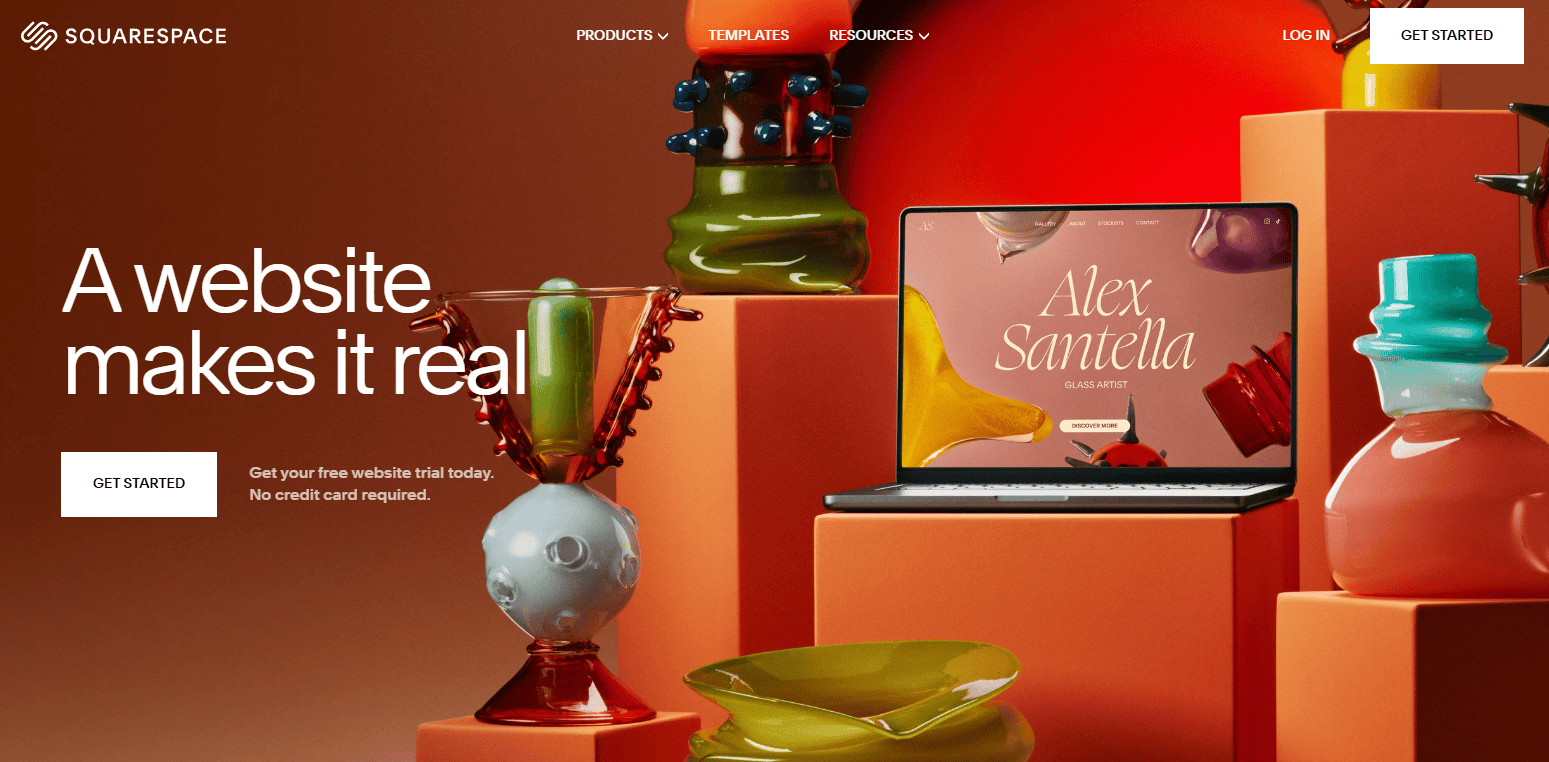
Squarespace is a website builder that also supports digital product sales through its e-commerce tools. It’s a great choice for creators who want to build a professional-looking website while also selling their digital products. Squarespace offers beautiful templates and an intuitive drag-and-drop builder.
Key Features:
- Professional website builder
- Supports digital and physical products
- Beautiful templates and design options
- SSL security and secure payment gateways
Squarespace: The Good and The Bad
Pros
- Beautiful Templates: Squarespace offers a wide range of visually appealing templates that can be easily customized to fit your brand.
- User-Friendly Interface: The platform is intuitive and easy to use, even for beginners.
- All-in-One Platform: It provides a comprehensive suite of tools, including e-commerce, blogging, and marketing features.
- Secure Hosting: Squarespace handles all the technical aspects of hosting your website, ensuring security and reliability.
- Mobile-Responsive: Your website will automatically be optimized for mobile devices, providing a seamless experience for your visitors.
- Strong Customer Support: Squarespace offers excellent customer support to assist you with any questions or issues.
Cons
- Limited Customization: While Squarespace offers customization options, they may not be as extensive as some other platforms.
- Limited Free Plan: There is no free plan available, so you'll need to choose one of their paid plans to get started.
- Upgrading Challenges: Upgrading from an older version to a newer one may require rebuilding your site.
Why Squarespace Shines?
Squarespace shines as a user-friendly website builder that empowers small businesses and individuals to create professional-looking websites and online stores with minimal technical expertise, thanks to its intuitive drag-and-drop interface, customizable templates, and built-in ecommerce capabilities.
Pricing
Squarespace offers four main pricing plans:
- Personal: $12/month (billed yearly at $144). Ideal for personal websites, it includes a custom domain, SSL security, and 24/7 support.
- Business: $18/month (billed yearly at $216). This plan is for small businesses and includes everything in the Personal plan plus e-commerce features like inventory management and abandoned cart recovery.
- Commerce Basic: $26/month (billed yearly at $312). Designed for growing businesses, it includes all features of the Business plan plus advanced e-commerce tools like gift cards and subscription selling.
- Commerce Advanced: $40/month (billed yearly at $480). This plan is for high-volume sellers and includes everything in the Commerce Basic plan plus priority support and lower transaction fees.
All plans come with a 14-day free trial, and there are discounts available for annual commitments.
Some User Testimonials of Squarespace:
Testimonial #1
Rating: ⭐⭐⭐⭐⭐
Hasin M. – Web Developer
“Squarespace has been a game-changer for my small business. The platform is incredibly user-friendly, even for someone with no coding experience. The templates are stunning and fully customizable, allowing me to create a professional website that truly reflects my brand. The integrated e-commerce features are a bonus, making it easy to sell products online. I'm so impressed with the level of support and the overall ease of use.”
Testimonial #2
Rating: ⭐⭐⭐⭐⭐
Foysal R. – Digital Photographer
“As a photographer, I needed a website that could showcase my work in a visually stunning way. Squarespace exceeded my expectations. The image blocks and galleries are incredibly flexible, and the ability to create custom CSS allows for advanced customization. I love the clean, modern design of the templates and the seamless integration with social media. Squarespace has helped me take my online presence to the next level.”
Testimonial #3
Rating: ⭐⭐⭐⭐⭐
Fahad M. – Small Business Owner
“I've been using Squarespace for years, and I've always been satisfied with their service. The platform is reliable, and the pricing plans are affordable for small businesses. I appreciate the regular updates and improvements to the platform. The customer support team is always helpful and responsive. I highly recommend Squarespace to anyone looking for a user-friendly and powerful website builder.”
Best for:
Creators who want a stylish, all-in-one solution for website building and digital product sales.
My Final Thoughts
Choosing the right platform to sell your digital products depends on your specific needs, whether you're an educator, artist, entrepreneur, or coach. Platforms like Sellfy and Podia are great for all-in-one solutions, while tools like Gumroad and Payhip provide simple, cost-effective ways to sell digital goods. For those who want more control over their store, Easy Digital Downloads and Shopify offer extensive customization options.
No matter what your digital product is, one of these 12 platforms is bound to meet your needs and help you grow your business.
Anyway, If you need help deciding, here’s a quick round up of the options we most recommend:
- Sellfy – It is a powerful all-in-one platform for creators and entrepreneurs, offering simplicity, flexibility, and reliable tools to sell digital and physical products. With its user-friendly storefront, built-in marketing features, and customizable options, Sellfy empowers businesses to grow online effortlessly, making it a smart choice for sustainable e-commerce success. 🌟
- Clickfunnels – It is a game-changer for businesses aiming to boost conversions and streamline sales. Its intuitive funnel builder, extensive integrations, and ready-made templates make it easy to create effective marketing funnels. With ClickFunnels, businesses can scale efficiently, optimize their sales processes, and enhance customer engagement—all in one powerful platform. 🌟
- Shopify – It is a leading e-commerce platform, empowering businesses of all sizes to create, customize, and manage online stores with ease. Its robust features, wide range of integrations, and exceptional scalability make Shopify ideal for growth. With reliable support and extensive resources, it’s a trusted choice for building a successful online business. 🌟
- Podia – It is an all-in-one platform that simplifies selling online courses, memberships, and digital products. With its intuitive design, robust marketing tools, and reliable customer support, Podia empowers creators to build and grow their brands effortlessly. It’s an ideal choice for anyone looking to monetize their knowledge and passion effectively.🌟
- Teachable – It is a powerful platform for creating, marketing, and selling online courses. Its user-friendly interface, flexible customization options, and strong support tools make it ideal for educators and entrepreneurs alike. With Teachable, you can seamlessly build a professional online learning experience, reaching a global audience and scaling your impact. 🌟
Finally, I would like to give you thanks for staying with us. If you want to get more content from us, I’d recommend checking out our website MSB Digital.