Artificial Intelligence (AI) is no longer a futuristic concept—it’s here, and it’s transforming the way we work, create, and communicate. Whether you’re a content creator, marketer, or just someone looking to streamline your daily tasks, AI tools can save you time, boost your productivity, and unlock new creative possibilities.
In this article, I’ve handpicked the 7 best AI tools that you should start using right now. From video editing to voice cloning, these tools are game-changers in their respective fields. Let’s dive in!
Top AI Tools – Comparison
Here’s a quick summary of some of our favorite tools from this list:
➤ InVideo – It offers an intuitive, AI-powered video editor with customizable templates, automation features, and a vast media library, making video creation quick and professional for all skill levels.
➤ CapCut (Pro) – It provides advanced yet easy-to-use video editing tools, AI-powered effects, and seamless mobile-to-desktop syncing, making professional-quality editing accessible to everyone.
➤ FineCam – It transforms any camera into a high-quality AI-powered virtual webcam with advanced effects, background removal, and seamless integration for streaming and video calls.
1) InVideo: AI-Powered Video Creation

InVideo is a must-have tool for anyone creating videos, whether for social media, marketing, or personal projects. Its AI-powered features make video editing faster and more accessible, even for beginners.
Key Features:
- AI-driven video templates for quick creation.
- Text-to-video functionality for turning scripts into engaging videos.
- Built-in stock footage, music, and effects.
InVideo: The Good and The Bad
Pros
- Ease of use, especially for beginners.
- Large library of templates and stock media.
- Versatile features for various video creation needs.
- AI powered tools that speed up video creation.
- Large amount of available help, and tutorials.
Cons
- Some users report that exporting videos can be time-consuming.
Why You Should Use It:
InVideo simplifies the video creation process, allowing you to produce professional-quality content in minutes. It’s perfect for marketers, YouTubers, and small businesses.
Pricing
InVideo offers several pricing plans to suit different needs:
- Free Plan: Includes access to basic features, templates, and stock media, but videos come with an InVideo watermark.
- Business Plan: Priced at 15/month(billedannually)or15/month(billedannually)or30/month (billed monthly), this plan removes the watermark, offers premium templates, and increases export quality.
- Unlimited Plan: Priced at 30/month(billedannually)or30/month(billedannually)or60/month (billed monthly), this plan includes all Business Plan features plus unlimited exports, access to premium media, and more.
User Reviews
- Many users praise InVideo for its ease of use and extensive template library.
- Content creators and marketers find it valuable for quickly producing engaging videos.
- Some users have expressed concerns about export times and occasional customer support delays.
- Overall, the platform is viewed as a strong tool for those looking to create videos without extensive video editing experience.
2) DupDub: AI Voice Generator and Cloning
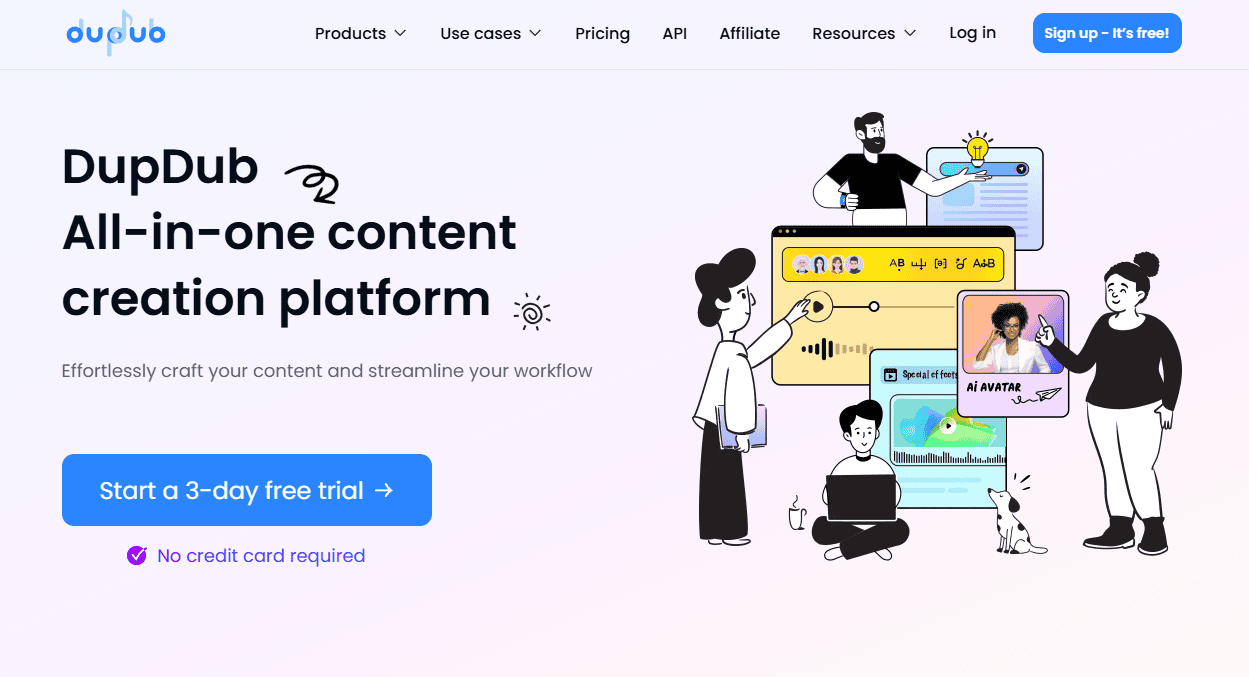
DupDub is an incredible AI tool for voice generation and cloning. It’s ideal for creating voiceovers, audiobooks, or even personalized messages.
Key Features:
- Generate realistic voiceovers in multiple languages and accents.
- Clone your own voice for consistent branding.
- Customize tone, speed, and emotion for each project.
DupDub: The Good and The Bad
Pros
- Comprehensive suite of AI-powered tools.
- Strong multilingual support.
- User-friendly interface.
- Potential for significant time and cost savings.
- Ability to create very engaging content.
Cons
- Reliance on AI, which may sometimes produce imperfect results.
Why You Should Use It:
DupDub eliminates the need for expensive voice actors and studio time. It’s a cost-effective solution for content creators and businesses alike.
Pricing
DupDub offers several pricing plans to cater to different needs:
- Free Plan: Includes basic features with limited usage, such as a restricted number of voiceovers and access to a subset of voices and languages.
- Basic Plan: Priced at $9.99/month, this plan offers more voiceovers, access to additional voices and languages, and higher quality audio output.
- Pro Plan: Priced at $29.99/month, this plan includes all Basic Plan features plus advanced customization options, batch processing, and priority support.
- Enterprise Plan: Custom pricing for large organizations with specific needs, including dedicated support, custom voice creation, and extensive usage limits.
User Reviews
- Users generally praise DupDub for its ease of use and the quality of its AI-generated content.
- Many appreciate the platform's ability to streamline video localization and voiceover production.
- Feedback often highlights the time-saving benefits of DupDub's AI tools.
- The ability to create realistic AI avatars, and voice clones is very popular.
- As with any software, some users report occasional glitches, or a learning curve when first using the software.
3) VoiceTrans: Real-Time Voice Translation
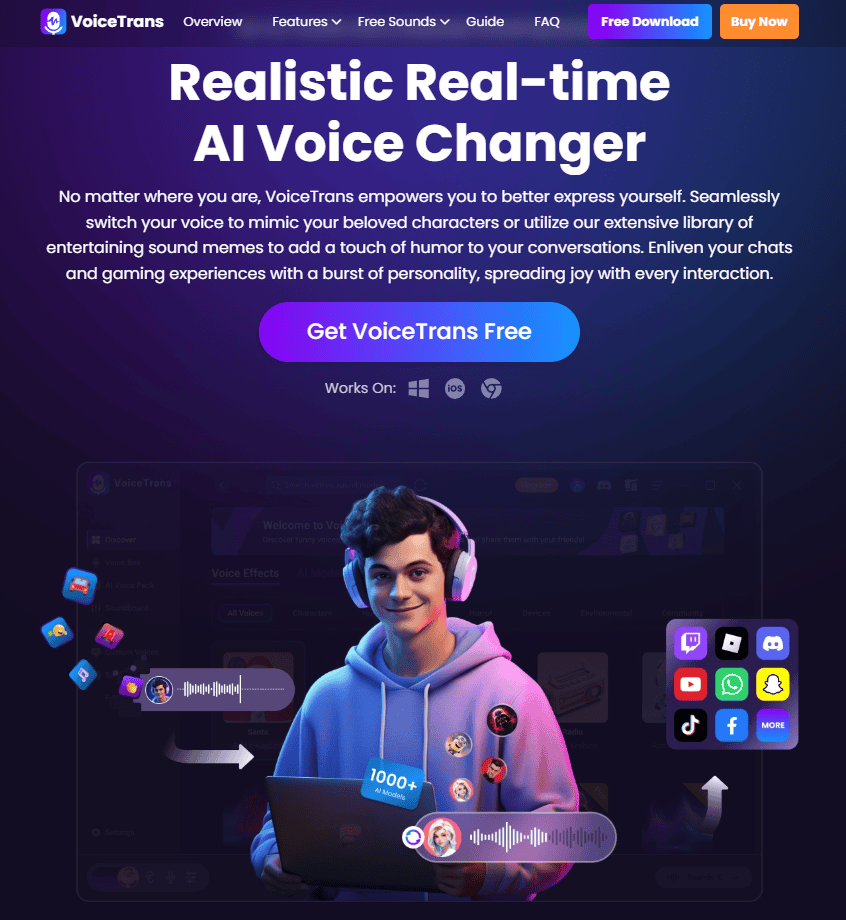
VoiceTrans is a groundbreaking AI tool that enables real-time voice translation. It’s perfect for breaking language barriers in meetings, travel, or content creation.
Key Features:
- Real-time translation for over 20 languages.
- Voice-to-text and text-to-voice capabilities.
- Offline mode for use without an internet connection.
VoiceTrans: The Good and The Bad
Pros
- Real-time voice modulation.
- Extensive library of voice effects and sound resources.
- Ability to create unique voice messages using AI.
- Convenient soundboard functionality.
- Good compatibility with many online platforms.
Cons
- The user interface might be overwhelming for some users.
Why You Should Use It:
VoiceTrans is a lifesaver for global teams, travelers, and content creators who need to communicate across languages effortlessly.
Pricing
VoiceTrans offers several pricing plans to cater to different needs:
- Free Plan: Includes basic features with limited usage, such as a restricted number of translations and access to a subset of languages and voices.
- Basic Plan: Priced at $14.99/month, this plan offers more translations, access to additional languages and voices, and higher quality audio output.
- Pro Plan: Priced at $39.99/month, this plan includes all Basic Plan features plus advanced customization options, voice cloning, and priority support.
- Enterprise Plan: Custom pricing for large organizations with specific needs, including dedicated support, custom voice creation, and extensive usage limits.
User Reviews
- Users generally find VoiceTrans to be a fun and entertaining tool.
- Many appreciate the ease of use and the variety of voice effects.
- Streamers and gamers find it particularly useful for enhancing their online presence.
- Users have expressed that the value for the price is very good.
- Users enjoy the ability to personalize their online voice interactions.
4) CapCut (Pro): Advanced AI Video Editing
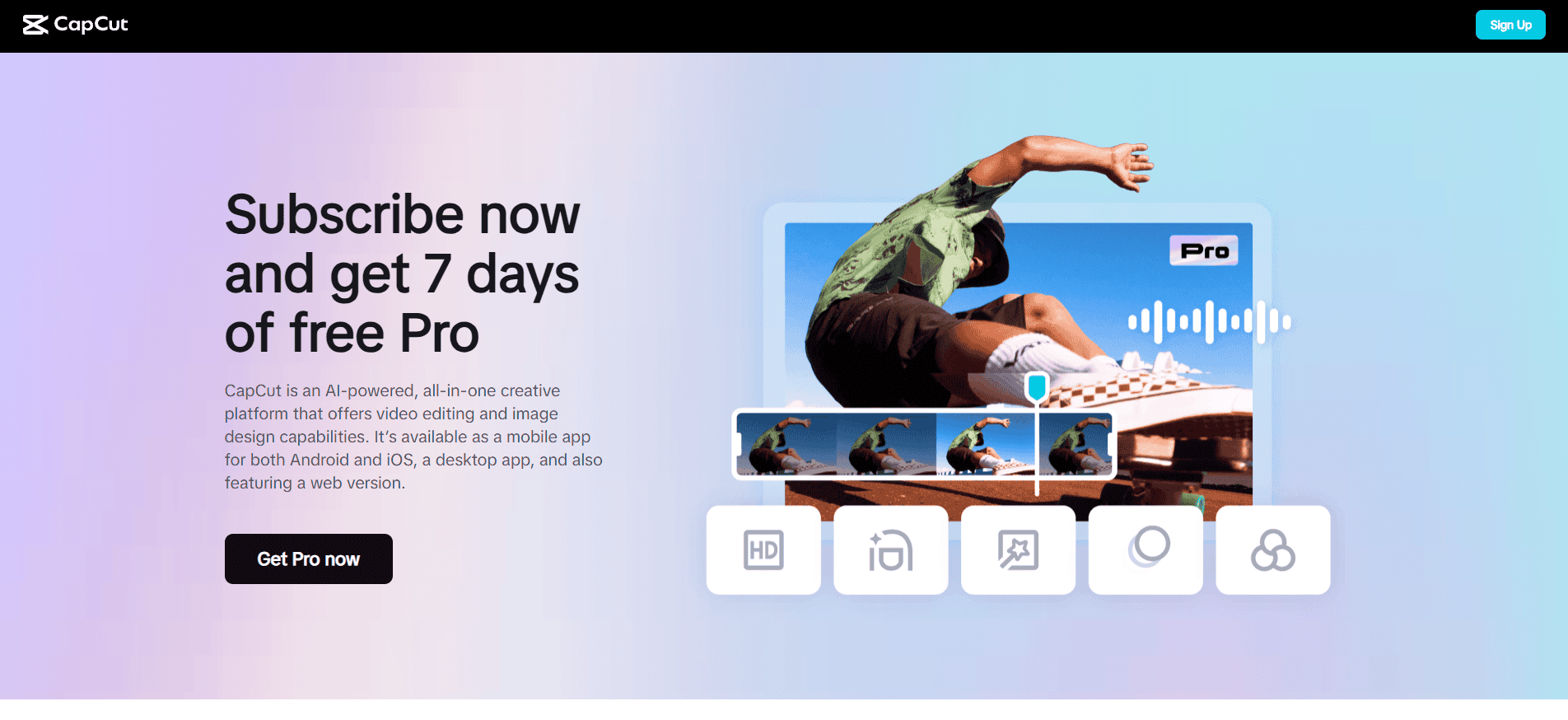
CapCut has become a favorite among video editors, and its Pro version takes things to the next level with advanced AI features.
Key Features:
- AI-powered background removal and object tracking.
- Automatic video enhancement and color correction.
- Professional-grade editing tools for creators.
CapCut Pro: The Good and The Bad
Pros
- User-friendly interface, making it easy to learn.
- A wide range of features, catering to both basic and advanced editing needs.
- Regular updates with new features and effects.
- CapCut Pro unlocks very useful advanced features.
- Strong integration with social media platforms.
Cons
- Some users may find the subscription model less appealing than a one-time purchase.
Why You Should Use It:
CapCut Pro is a powerful yet affordable alternative to premium video editing software. It’s perfect for YouTubers, TikTokers, and filmmakers.
Pricing
CapCut Pro operates on a subscription-based model, offering different pricing tiers to suit various user needs:
- Monthly Subscription: Priced at $9.99/month, this plan provides full access to all Pro features, including advanced editing tools, AI-powered features, and the rich media library.
- Annual Subscription: Priced at $99.99/year, this plan offers a discounted rate for long-term access to all Pro features.
- Enterprise Plan: Custom pricing for businesses and large teams, including additional collaboration tools, dedicated support, and enhanced usage limits.
User Reviews
- Many users praise CapCut for its ease of use and powerful features.
- Social media content creators find it particularly valuable for producing engaging videos.
- The Pro version is generally well-received for its advanced capabilities, although some users question the necessity of a subscription.
- There are some concerns voiced about the amount of features that have moved from the free version, into the pro subscription.
- Overall, CapCut is considered a strong video editing tool, especially for mobile and social media content creation.
5) FineVoice: AI Voice Changer and Enhancer

FineVoice is a versatile AI tool that lets you change, enhance, and optimize your voice for various purposes.
Key Features:
- Real-time voice changing for gaming or streaming.
- Voice enhancement for clearer audio recordings.
- Integration with popular platforms like Discord and Zoom.
FineVoice: The Good and The Bad
Pros
- Comprehensive suite of voice tools.
- User-friendly interface.
- AI-powered features enhance audio quality and simplify tasks.
- Wide range of voice effects and customization options.
- Good audio quality.
Cons
- Some advanced features may require a learning curve.
Why You Should Use It:
FineVoice is a fun and practical tool for gamers, streamers, and professionals who want to improve their audio quality.
Pricing
FineVoice offers several pricing plans to cater to different needs:
- Free Plan: Includes basic features with limited usage, such as a restricted number of voiceovers and access to a subset of voices and languages.
- Basic Plan: Priced at $12.99/month, this plan offers more voiceovers, access to additional voices and languages, and higher quality audio output.
- Pro Plan: Priced at $29.99/month, this plan includes all Basic Plan features plus advanced customization options, voice cloning, and priority support.
- Enterprise Plan: Custom pricing for large organizations with specific needs, including dedicated support, custom voice creation, and extensive usage limits.
User Reviews
- Users generally appreciate the versatility and ease of use of FineVoice.
- Many find the voice changer and audio editing tools particularly useful.
- Content creators and gamers value the soundboard and real-time voice modulation features.
- Users like the quality of the generated AI voices.
- As with any software, some users may encounter occasional bugs or glitches.
6) Singify: AI-Powered Music Creation
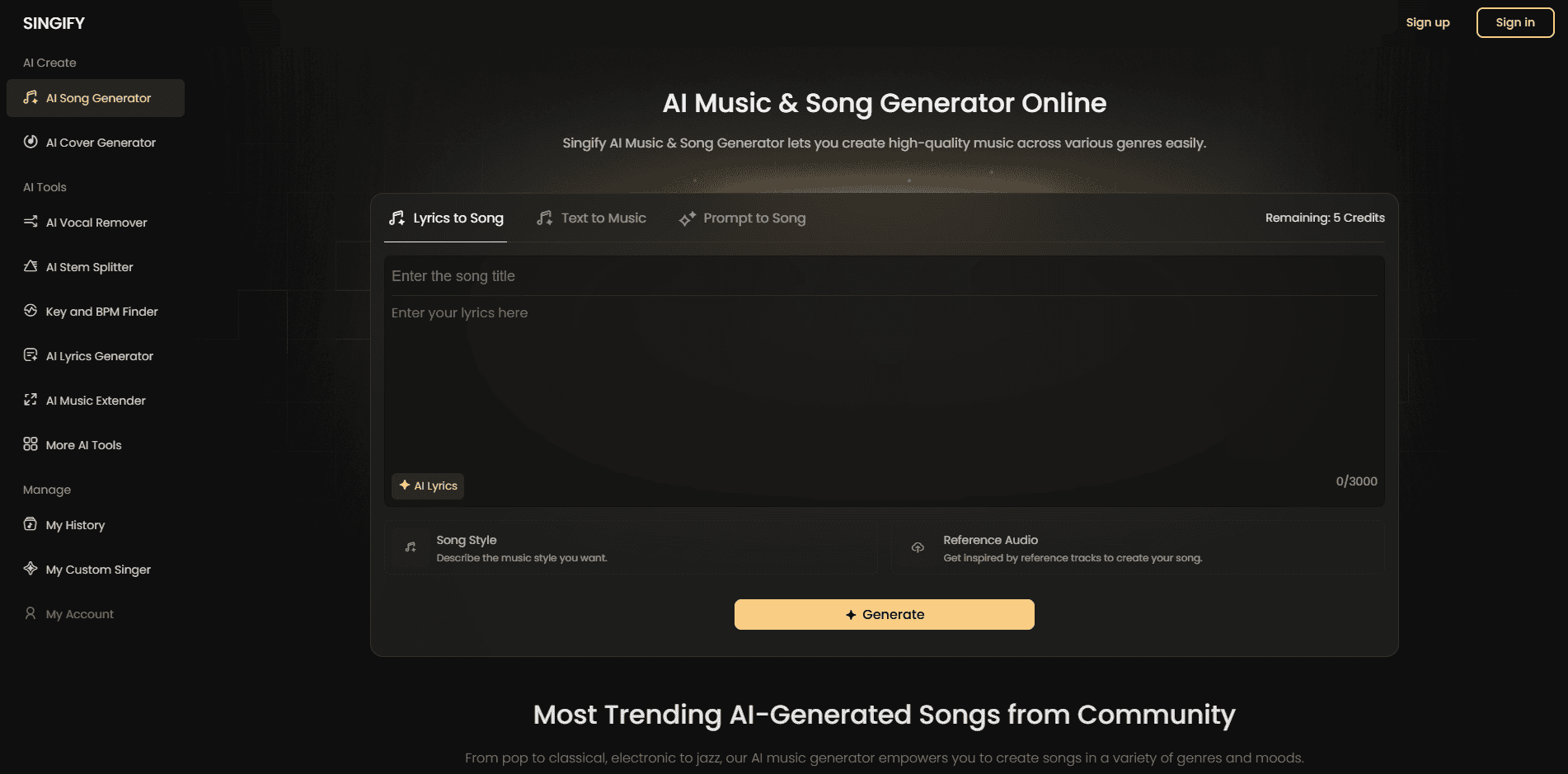
Singify is a revolutionary AI tool that allows you to create original music and songs with just a few clicks.
Key Features:
- Generate music in various genres and styles.
- Customize lyrics, tempo, and instrumentation.
- Export high-quality tracks for personal or commercial use.
Singify: The Good and The Bad
Pros
- User-friendly interface.
- Large selection of AI voice models.
- Ability to create unique and entertaining song covers.
- Potential for creative expression and experimentation.
- Multi-language support.
Cons
- Potential copyright concerns regarding commercial use of AI-generated vocals.
Why You Should Use It:
Singify is perfect for musicians, podcasters, and content creators who need royalty-free music or want to experiment with songwriting.
Pricing
Singify offers several pricing plans to cater to different needs:
- Free Plan: Includes basic features with limited usage, such as a restricted number of songs and access to a subset of genres and customization options.
- Basic Plan: Priced at $14.99/month, this plan offers more songs, access to additional genres, and higher quality audio output.
- Pro Plan: Priced at $29.99/month, this plan includes all Basic Plan features plus advanced customization options, vocal synthesis, and priority support.
- Enterprise Plan: Custom pricing for large organizations with specific needs, including dedicated support, custom music creation, and extensive usage limits.
User Reviews
- Users generally find Singify to be a fun and accessible tool for creating AI song covers.
- Many appreciate the diverse selection of AI voice models and the ease of use.
- Content creators and music enthusiasts find it valuable for entertainment and creative purposes.
- There is some concern about the ethical use of AI generated voices.
- Users find it very easy to create entertaining content.
7) FineCam: AI-Powered Virtual Camera

FineCam transforms your smartphone or webcam into a professional-grade virtual camera using AI.
Key Features:
- AI-enhanced video quality with background blur and lighting adjustments.
- Compatibility with Zoom, Teams, and other video conferencing tools.
- Real-time filters and effects for a polished look.
FineCam: The Good and The Bad
Pros
- Improves webcam video quality.
- Offers versatile background manipulation.
- Enables the use of mobile devices as high-quality webcams.
- Provides a range of video enhancement tools.
- Allows the use of multiple video sources.
Cons
- Some users may have concerns about the use of phone battery when using it as a webcam.
Why You Should Use It:
FineCam is a game-changer for remote workers, streamers, and anyone who wants to look their best on camera without investing in expensive equipment.
Pricing
FineCam offers several pricing plans to cater to different needs:
- Free Plan: Includes basic features with limited usage, such as a restricted number of effects and access to a subset of virtual backgrounds.
- Basic Plan: Priced at $9.99/month, this plan offers more effects, access to additional virtual backgrounds, and higher quality video output.
- Pro Plan: Priced at $19.99/month, this plan includes all Basic Plan features plus advanced customization options, priority support, and enhanced usage limits.
- Enterprise Plan: Custom pricing for large organizations with specific needs, including dedicated support, custom backgrounds, and extensive usage limits.
User Reviews
- Users generally appreciate the improved video quality and background manipulation capabilities.
- Many find the mobile phone as webcam feature particularly useful.
- Professionals and content creators find it valuable for enhancing their online presence.
- Users find the software to be very easy to use.
- Occasional users have reported minor bugs, as is common with most software.
Why These Tools Are Worth Your Time
These 7 AI tools—InVideo, DupDub, VoiceTrans, CapCut (Pro), FineVoice, Singify, and FineCam—are not just innovative; they’re practical solutions to everyday challenges. Here’s why you should start using them today:
- Save Time: Automate repetitive tasks and focus on what matters most.
- Boost Creativity: Unlock new possibilities with AI-driven features.
- Stay Competitive: Stay ahead of the curve by leveraging cutting-edge technology.
How to Get Started
Ready to explore these tools? Here’s how to begin:
- Identify Your Needs: Choose the tools that align with your goals (e.g., video editing, voiceovers, or music creation).
- Take Advantage of Free Trials: Most of these tools offer free versions or trials—test them out before committing.
- Experiment and Learn: Don’t be afraid to explore all the features and see how they can enhance your workflow.
Final Thoughts
AI is no longer a luxury—it’s a necessity for staying productive and creative in today’s fast-paced world. These 7 best AI tools are here to make your life easier, whether you’re editing videos, creating music, or breaking language barriers.
So, which tool are you most excited to try? Let me know in the comments below! And if you found this article helpful, don’t forget to share it with your friends and colleagues. The future is here—embrace it!
Finally, I would like to give you thanks for staying with us. If you want to get more content from us, I’d recommend checking out our website MSB Digital.