Screen recording has become an indispensable tool for creators, educators, and professionals. Whether you’re crafting tutorials, recording webinars, or producing engaging social media content, the right screen recorder can elevate your work. But with so many options out there, how do you choose?
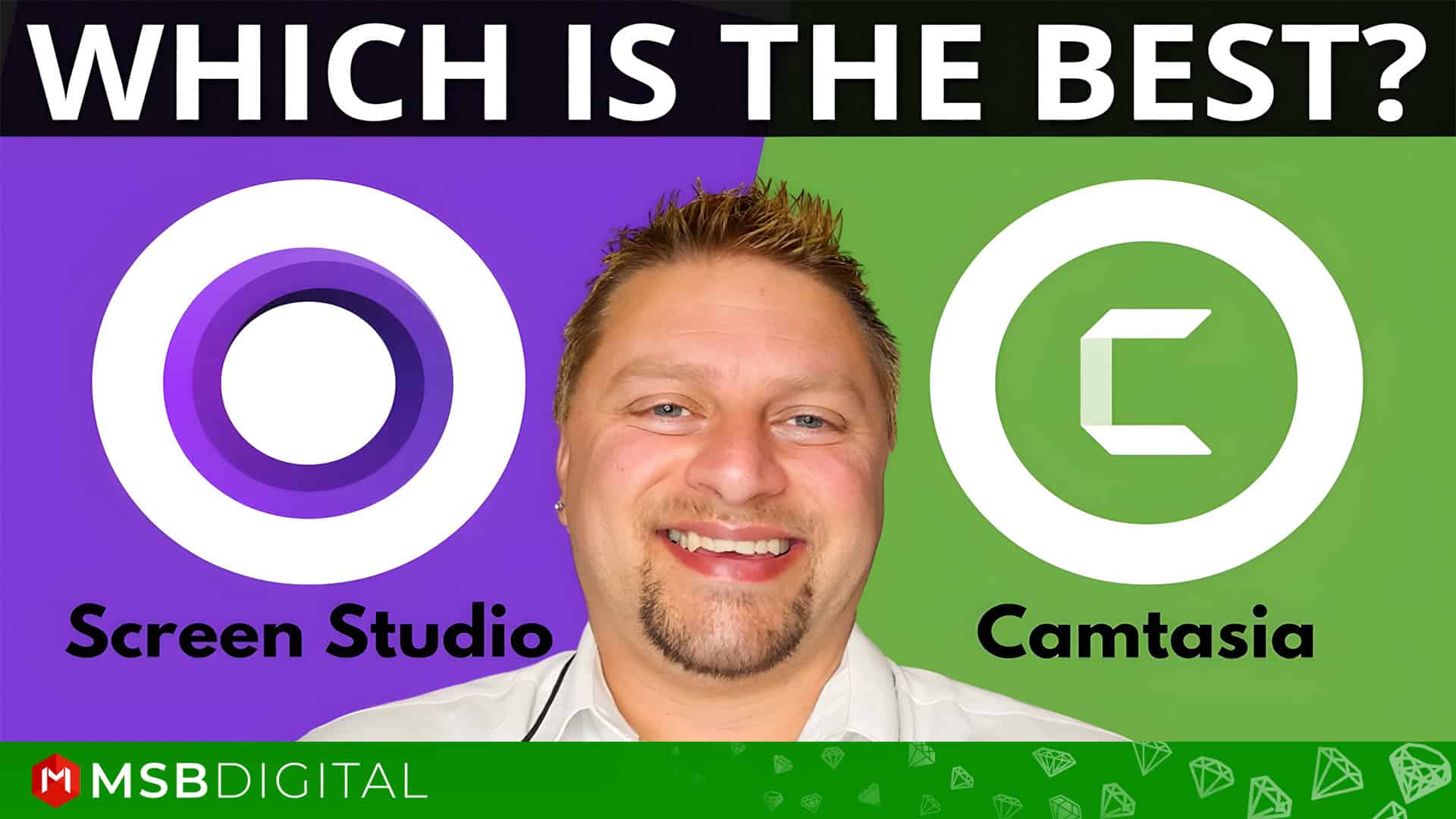
Two standout tools in the market are Camtasia and Screen Studio. Both are powerful, but they cater to different needs and audiences. In this blog, we’ll break down their features, pros, and cons to help you decide which one is the perfect fit for you.
Overview of Camtasia

Camtasia, developed by TechSmith, is a well-established screen recording and video editing software. It’s known for its robust feature set, making it a favorite among professionals who need more than just basic screen recording. Camtasia is available for both Windows and macOS, offering a seamless experience across platforms.
Overview of Screen Studio
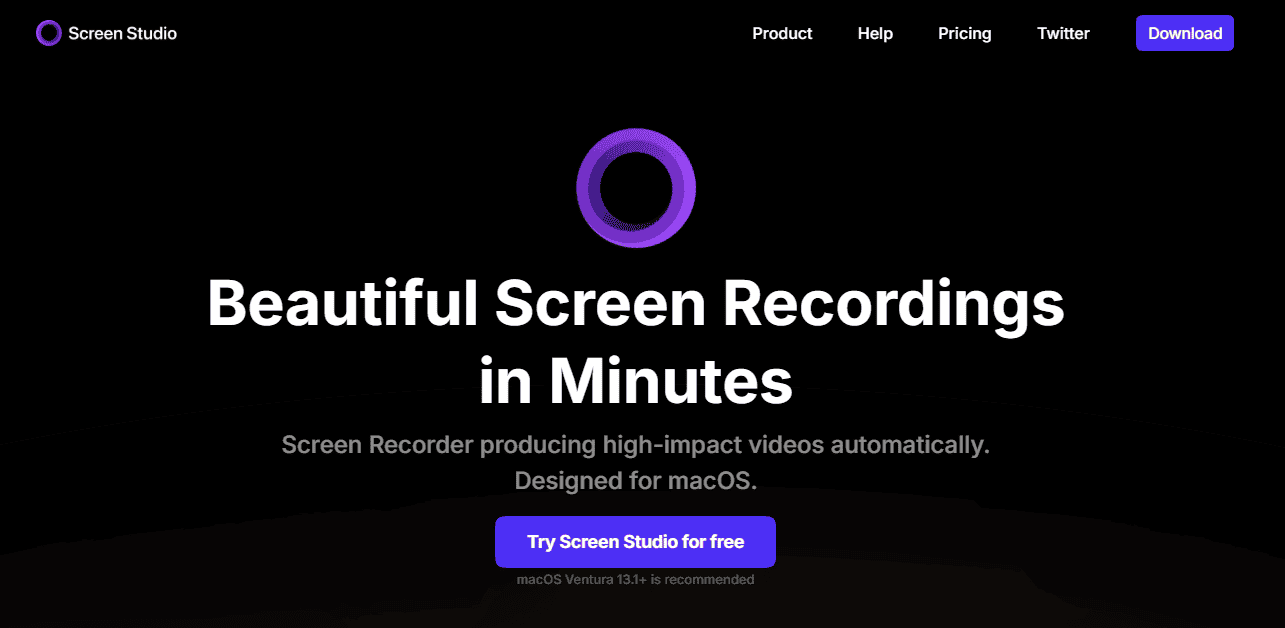
Screen Studio is a newer entrant in the screen recording space, designed specifically for macOS users. It focuses on simplicity and aesthetics, making it a great choice for creators who want to produce polished, professional-looking videos without a steep learning curve.
Key Features of Camtasia:
- Screen Recording: Camtasia allows you to record your entire screen, specific windows, or regions. It also supports webcam recording, making it ideal for creating personalized videos.
- Video Editing: One of Camtasia’s standout features is its built-in video editor. You can trim, cut, and splice clips, add transitions, and incorporate animations with ease.
- Annotations and Effects: Camtasia offers a wide range of annotations, callouts, and effects to enhance your videos. You can add text, shapes, and even quizzes for interactive content.
- Library of Assets: The software comes with a library of royalty-free music, sound effects, and templates, saving you time and effort.
- Export Options: Camtasia supports multiple export formats, including MP4, GIF, and YouTube-optimized videos.
Key Features of Screen Studio:
- Ease of Use: Screen Studio is designed with simplicity in mind. Its intuitive interface allows users to start recording and editing quickly, even without prior experience.
- Automatic Zoom and Focus: One of Screen Studio’s standout features is its ability to automatically zoom in on cursor movements and clicks, creating a dynamic and engaging viewing experience.
- High-Quality Output: Screen Studio prioritizes high-resolution recordings with smooth animations, making it ideal for content creators who value visual appeal.
- Built-in Editing Tools: While not as advanced as Camtasia’s editor, Screen Studio offers basic editing tools like trimming, cutting, and adding captions.
- Export and Sharing: Screen Studio allows you to export videos in various formats and share them directly to platforms like YouTube and social media.
Feature Comparison: Camtasia vs. Screen Studio
| Feature | Camtasia | Screen Studio |
|---|---|---|
| Ease of Use | User-friendly but with a learning curve | Extremely easy to use |
| Editing Tools | Advanced timeline editing, transitions, effects | Limited but polished editing features |
| Performance | Requires a high-performance system | Lightweight and efficient |
| Best For | Educators, trainers, professional video creators | Quick, high-quality recordings, social media content creators |
| Pricing | Higher cost but feature-rich | More affordable, but fewer advanced tools |
Camtasia: The Good and The Bad
Pros
- Comprehensive editing tools for professional-grade videos.
- Multi-platform support (Windows and macOS).
- Extensive library of assets (music, sound effects, templates).
Cons
- Higher upfront cost.
- Steeper learning curve for beginners.
Screen Studio: The Good and The Bad
Pros
- Easy to use and beginner-friendly.
- Automatic zoom and focus for dynamic, engaging videos.
- Affordable subscription pricing.
Cons
- Limited to macOS users.
- Basic editing features may not suffice for advanced users.
Value & Price: Locating the Sweet Spot
Camtasia Pricing Plans
- Camtasia Essentials:
- Price: $179.88 per year
- Features: Screen and camera recording, powerful video editing, speech-to-text transcription.
- Camtasia Create:
- Price: $249.00 per year
- Features: Everything in Essentials, plus text-based video editing, AI-generated scripts, audio cleanup, and access to 200+ voices and styles.
- Camtasia Pro:
- Price: $599.00 per year (Limited time offer: $499.00 per year)
- Features: Everything in Create, plus video reviews and collaboration, AI-translated scripts and captions, AI-generated video titles, descriptions, and chapters, AI-generated avatar videos, and access to 100M+ premium assets.
Screen Studio Pricing Plans
- Monthly Plan:
- Price: $9.00 per month
- Features: All Screen Studio features, lifetime updates, shareable links, and support for up to 3 personal macOS devices.
- One-Time Payment Plan:
- Price: $229.00 (one-time payment)
- Features: All Screen Studio features, one year of updates, one year of shareable links, and support for up to 3 personal macOS devices.
Camtasia vs Screen Studio: Key Differences
Let’s dive into the nitty-gritty of how these two tools stack up against each other:
- Platform Compatibility:
- Camtasia works on both Windows and macOS, making it a versatile choice.
- Screen Studio is macOS-only, which might be a dealbreaker for Windows users.
- Editing Capabilities:
- Camtasia offers advanced editing tools, perfect for creating detailed, professional videos.
- Screen Studio focuses on simplicity, with basic editing features that are quick and easy to use.
- Target Audience:
- Camtasia is tailored for professionals, educators, and businesses that need robust editing and customization.
- Screen Studio is designed for content creators, YouTubers, and social media influencers who want to create visually appealing videos fast.
- Pricing:
- Camtasia requires a one-time purchase of around $249, which includes lifetime updates.
- Screen Studio operates on a subscription model, starting at $12.50/month, making it more budget-friendly for short-term use.
- Learning Curve:
- Camtasia has a steeper learning curve due to its extensive features.
- Screen Studio is beginner-friendly, allowing even novices to create professional-looking videos.
Which One Should You Choose?
The choice between Camtasia and Screen Studio ultimately depends on your specific needs and preferences:
- Choose Camtasia if:
- You need advanced video editing capabilities.
- You work on both Windows and macOS.
- You’re creating detailed tutorials, presentations, or professional videos.
- You prefer a one-time purchase over a subscription model.
- Choose Screen Studio if:
- You’re a macOS user looking for a simple, intuitive tool.
- You want to create visually engaging videos quickly.
- You’re a content creator or influencer focusing on social media or YouTube.
- You prefer a subscription-based pricing model.
Let's Know User Experience
Camtasia :
Habib Wahid (Content Creator)
- Rating: ⭐⭐⭐⭐⭐
- Review: “Camtasia is a fantastic all-in-one solution for screen recording and video editing! Its user-friendly interface makes it easy to create professional-looking videos, even for beginners. I love the drag-and-drop functionality, pre-built templates, and the ability to add annotations, transitions, and interactive elements like quizzes. The screen recording feature is seamless, and the rendering process is quick and reliable. While it’s a bit pricey, the time it saves and the quality it delivers make it worth the investment. Perfect for tutorials, presentations, or online courses—highly recommend!”
Screen Studio:
Monika Jahan (Online Instructor)
- Rating: ⭐⭐⭐⭐⭐
- Review: “Screen Studio is an incredibly intuitive and powerful tool for creating stunning screen recordings with minimal effort. Its auto-zooming and cursor highlighting features make it perfect for creating engaging tutorials, demos, or presentations. I was blown away by how quickly and easily I could produce professional-looking videos without needing advanced editing skills. The smooth animations and transitions add a polished touch, and the ability to export in high quality is a huge plus. While it’s Mac-only, it’s worth every penny for its ease of use and exceptional results. Highly recommend for anyone looking to elevate their screen recordings!”
My Final Words: Camtasia or Screen Studio?
Both Camtasia and Screen Studio are powerful screen recording tools, each catering to different audiences and use cases. Camtasia is a comprehensive solution for professionals who need advanced editing features, while Screen Studio is a sleek, user-friendly option for macOS users who prioritize speed and aesthetics. By evaluating your specific needs, budget, and workflow, you can choose the screen recorder that best aligns with your goals. Whether you go with Camtasia or Screen Studio, both tools will help you create high-quality, engaging content that stands out in today’s competitive digital landscape.
Finally, I would like to give you thanks for staying with us. If you want to get more content from us, I’d recommend checking out our website MSB Digital.